
Building a home office that works
Most Irish hybrid workers began with a kitchen chair and a laptop on the table, and plenty still work that way. Good home office kit is not about the gadgets. It is about the things you touch for seven or eight hours a day: the chair, the lighting, the keyboard and mouse, and the cables that keep it all powered. This guide covers the pieces worth paying for, who each one suits, and what you can skip.
We also explain the tax side. Remote working relief and the employer daily allowance are often misunderstood. Neither one covers buying a chair or keyboard, but your employer may be able to supply equipment tax-free. Every pick below is sold and dispatched by Amazon.ie. For why we stick to domestic stock, see why we only list Amazon.ie stock.
Our picks
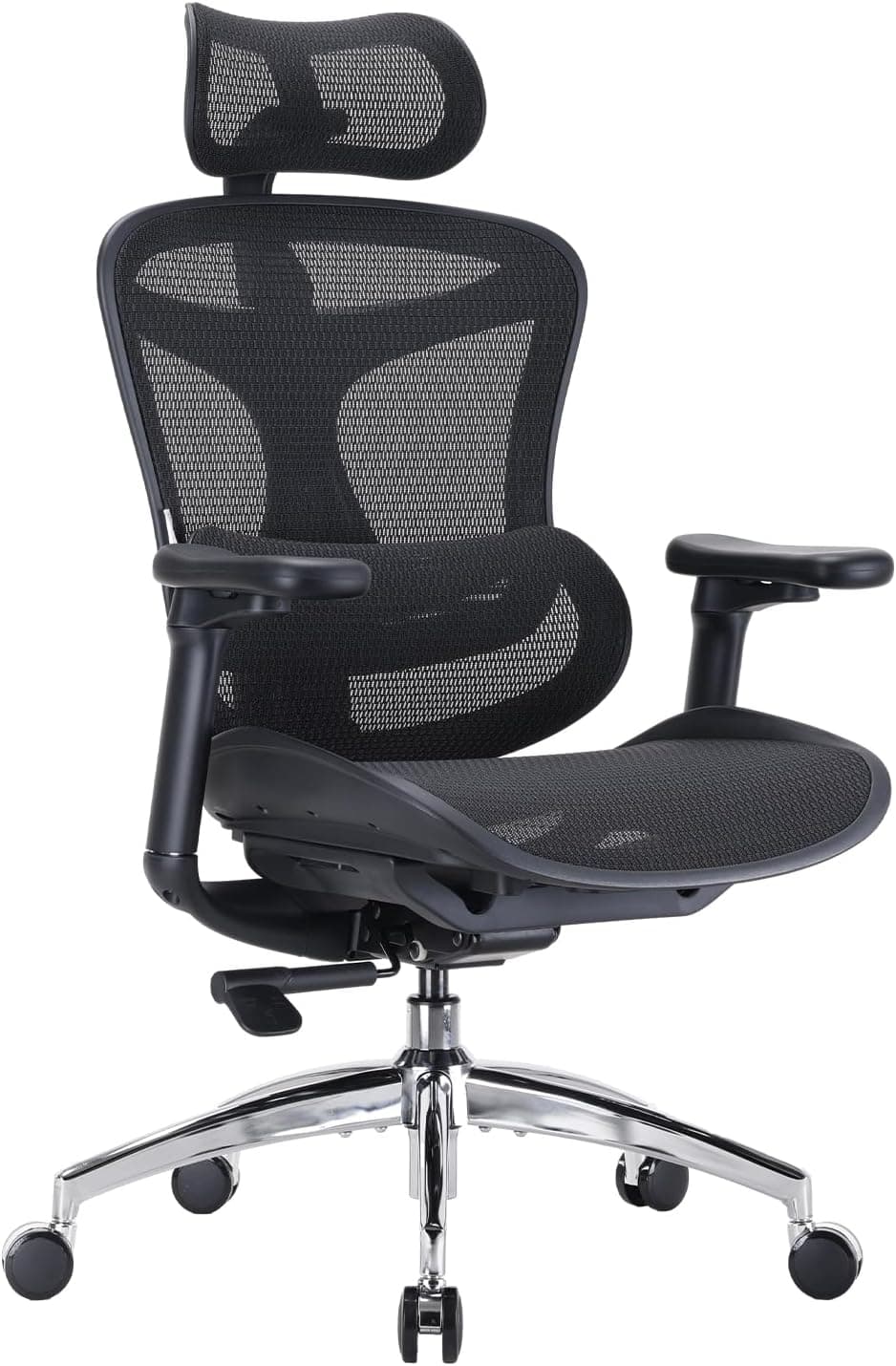
Sihoo Doro C300 Ergonomic Office Chair – Dynamic Lumbar Support & 3D Coordinated Armrests
Best for: Anyone working from home three or more days a week
If you only upgrade one thing, make it the chair. The Doro C300 sits in the mid-range price band and has the adjustments that matter. Its dynamic lumbar support moves with your lower back, and its 3D armrests adjust for height, depth and pivot, so you can set them level with the desk. The mesh seat and back stay cooler than foam during long sessions, which helps in small, warm box rooms. It is not a premium office chair, but on the spec sheet it covers most of what those chairs offer for a fraction of the price.
Pros
- Dynamic lumbar support follows your back as you shift position
- Armrests adjust for height, depth and pivot to line up with your desk
- Breathable mesh seat and back for long working days
- BIFMA-certified steel base rated to 136 kg
Cons
- Arrives flat-packed and takes a while to assemble
- Whether a mesh seat feels comfortable is personal, and some people find it firm
- Users heavier than 136 kg should look at heavy-duty chairs instead
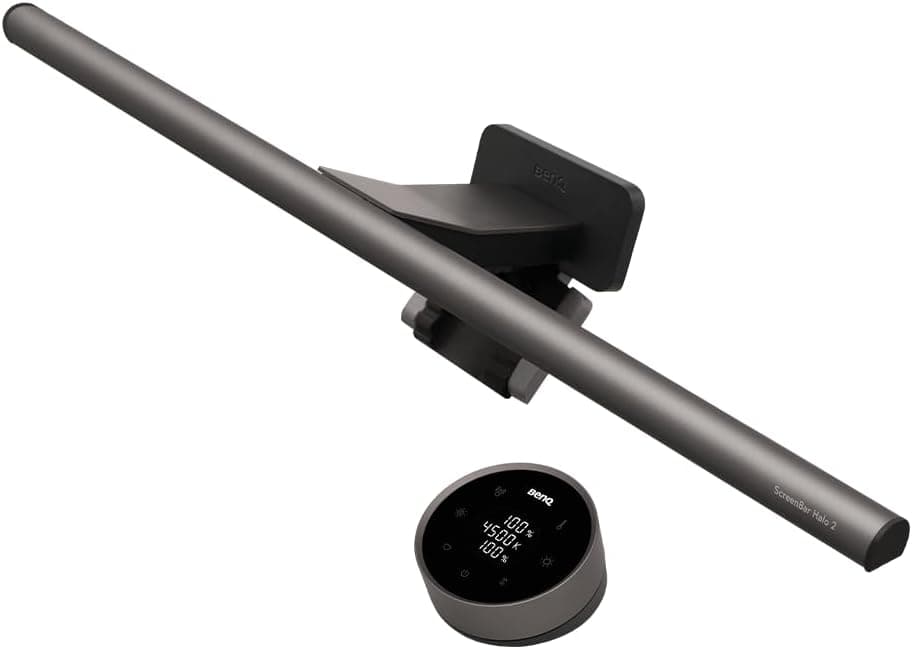
BenQ ScreenBar Halo LED Monitor Light Bar with Wireless Controller & Auto-Dimming
Best for: Monitor users working in rooms with poor natural light
Irish winter afternoons get dark by around 4:30pm, and a ceiling light or desk lamp often puts glare straight onto your screen. The ScreenBar Halo clamps to the top of the monitor and angles its light down onto the desk, not onto the display. A rear backlight softens the contrast between a bright screen and a dark wall. A wireless dial adjusts brightness and colour temperature from 2700K to 6500K. It is expensive for a light, but it takes up no desk space and fixes a problem many home offices have.
Pros
- Asymmetric optics light the desk without screen glare
- Rear ambient light reduces harsh contrast in a dim room
- Wireless dial adjusts brightness and warmth from 2700K to 6500K
- Clamps to flat and curved monitors without blocking a webcam
Cons
- A lot to spend on desk lighting
- Needs a USB power source, so plan where the cable goes
- No use if you only work on a laptop without a monitor
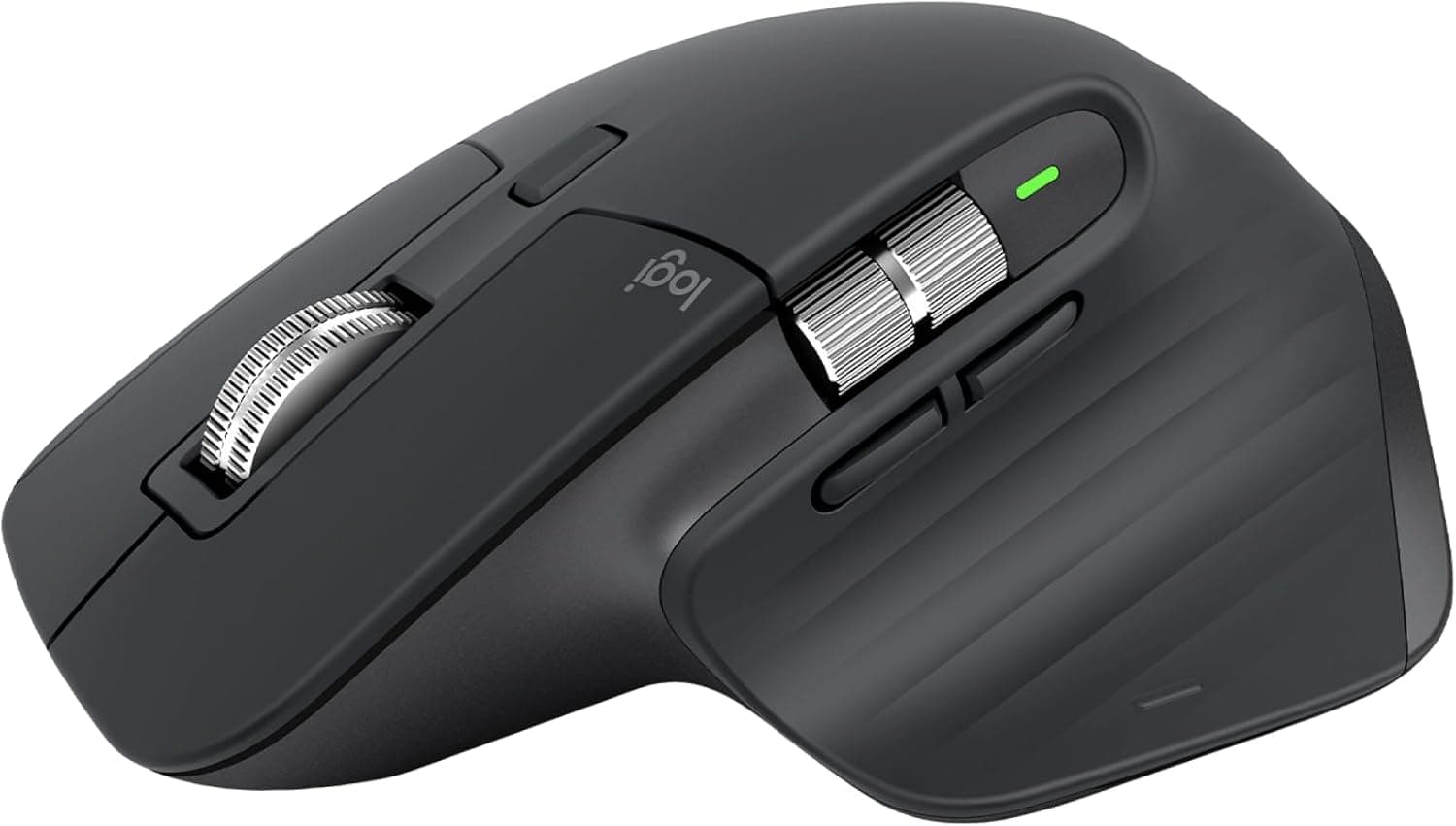
Logitech MX Master 3S Wireless Performance Mouse with Quiet Clicks and 8K DPI Sensor
Best for: Spreadsheet-heavy jobs and people switching between two laptops
The MX Master 3S is a popular choice for office work, and the specifications explain why. Its Quiet Click switches cut most of the click noise, which helps on calls and in shared rooms. The MagSpeed electromagnetic scroll wheel moves through long spreadsheets and documents very quickly. The 8,000 DPI sensor tracks on glass and wood, so you do not need a mousepad. With Logi Options+ you can pair it to more than one computer and copy and paste between them, which is handy if you keep work and personal laptops on the same desk.
Pros
- Quiet clicks that do not carry on a call
- Electromagnetic scroll wheel for long documents
- Tracks on glass and most desk surfaces
- Switches between several computers
Cons
- Right-handed shape only
- Too large for small hands
- You need Logi Options+ installed to get the most out of it
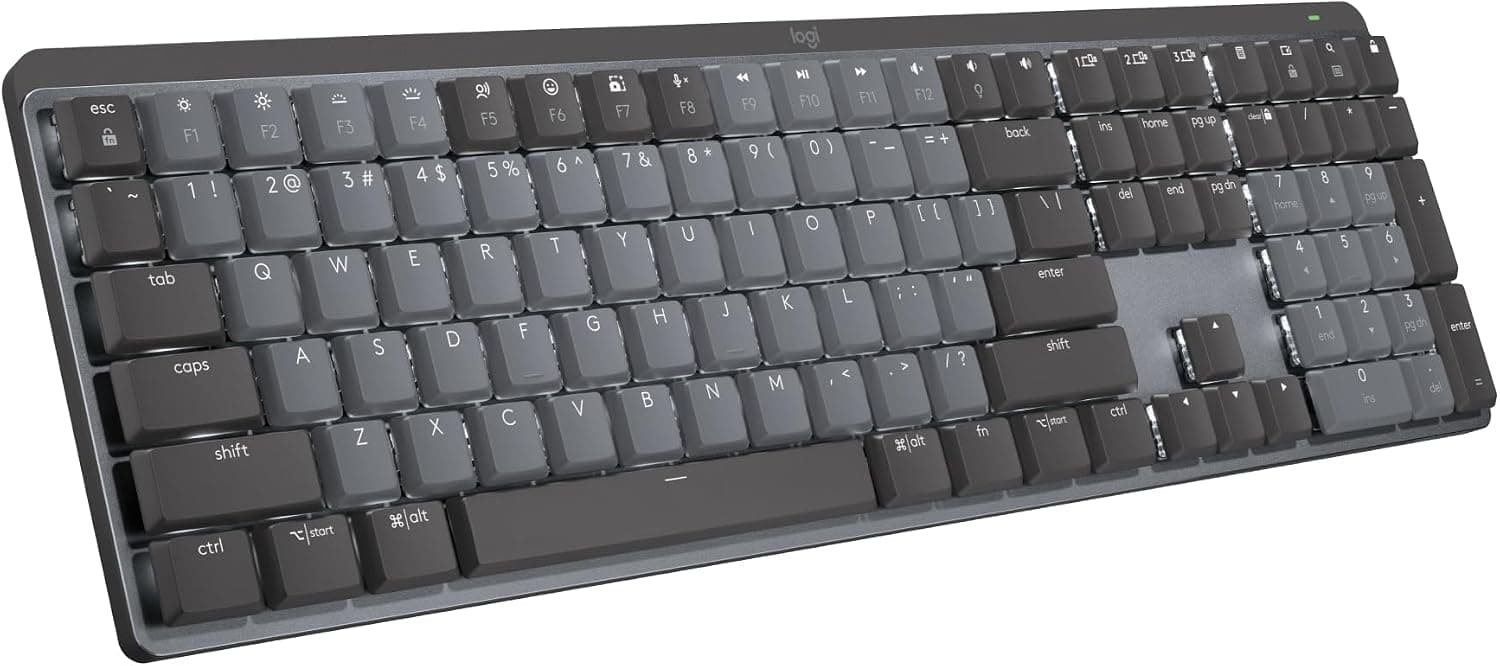
Logitech MX Mechanical Wireless Illuminated Keyboard – Tactile Quiet Switches (UK/Irish QWERTY)
Best for: Heavy typists who want a mechanical feel without the noise
This keyboard gives you a mechanical feel without the clatter of a gaming board. It uses low-profile tactile switches that stay quiet enough for video calls. The low key height keeps your wrists at a flatter angle than a standard mechanical keyboard. It connects over Bluetooth or a Logi Bolt receiver to up to three computers, and the layout here is the UK/Irish QWERTY. Battery life is quoted at up to 15 days with the backlight on, or up to 10 months with it off.
Pros
- Quiet tactile switches suit calls and shared rooms
- UK/Irish QWERTY layout
- Pairs with up to three computers
- Long battery life with the backlight off
Cons
- The full-size layout takes up a lot of desk width
- Switches are not hot-swappable, so keyboard enthusiasts may find it limiting
- With the backlight on, you charge it every couple of weeks
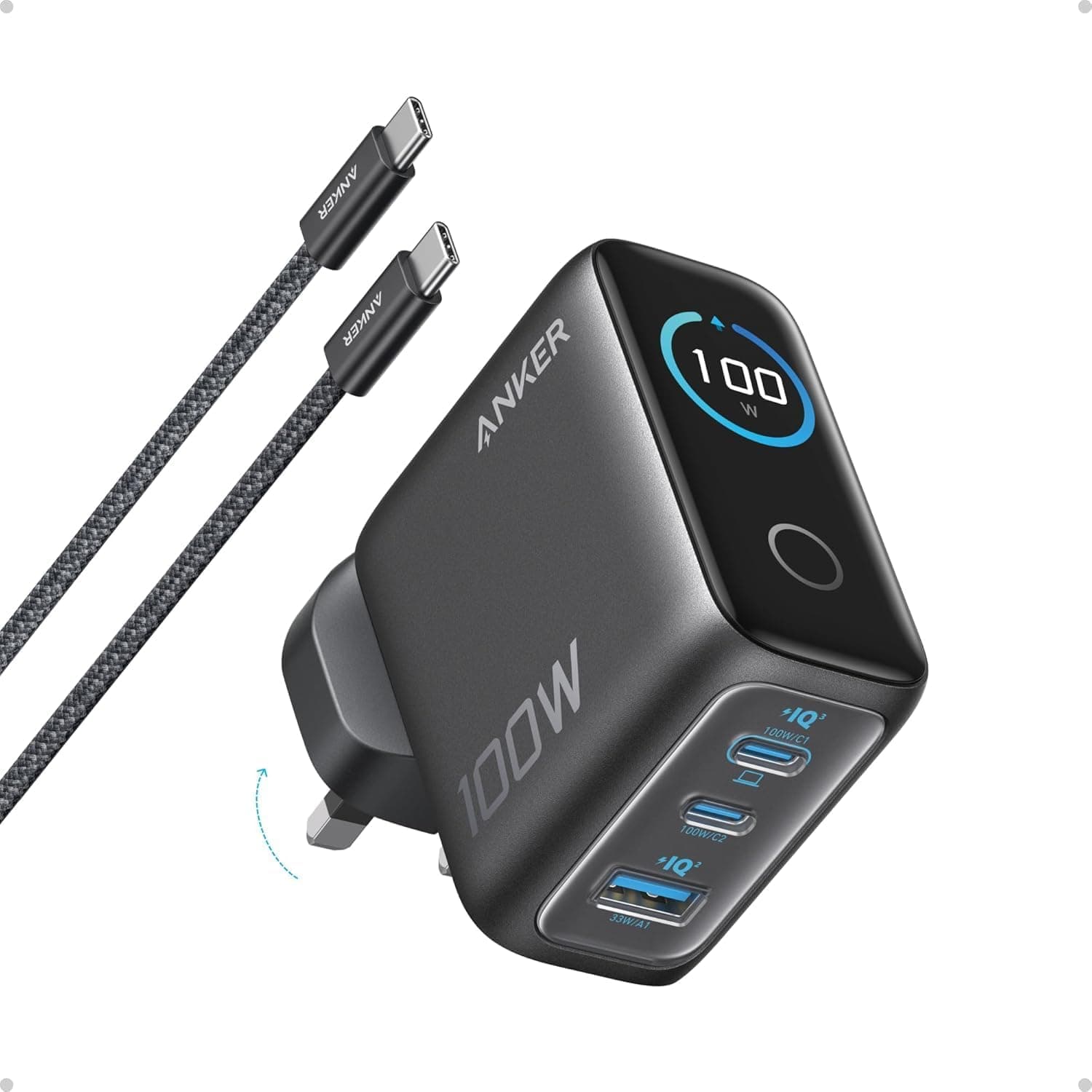
Anker Prime 100W GaN Wall Charger (3-Port Fast Charger for MacBook Pro, iPad, iPhone – Irish 3-Pin)
Best for: Hybrid workers with a USB-C laptop
Most home offices end up with a separate charger for the laptop, phone, headphones and tablet, all fighting over one double socket. The Anker Prime 100W replaces several of them with one compact GaN plug. It has two USB-C ports and one USB-A port, and a moulded Irish 3-pin plug that sits firmly in the socket. It can fast-charge most USB-C laptops while charging a phone at the same time. Because it is small, it is also easy to bring to the office on your in-person days.
Pros
- Replaces several chargers with one plug
- Two USB-C ports and one USB-A port
- Moulded Irish 3-pin plug sits flush in the socket
- Small enough to carry between home and office
Cons
- The 100W is shared across ports, so each device gets less when all three are in use
- Laptops that need more than 100W will charge more slowly
- Cables are a separate purchase if you do not already have good USB-C cables
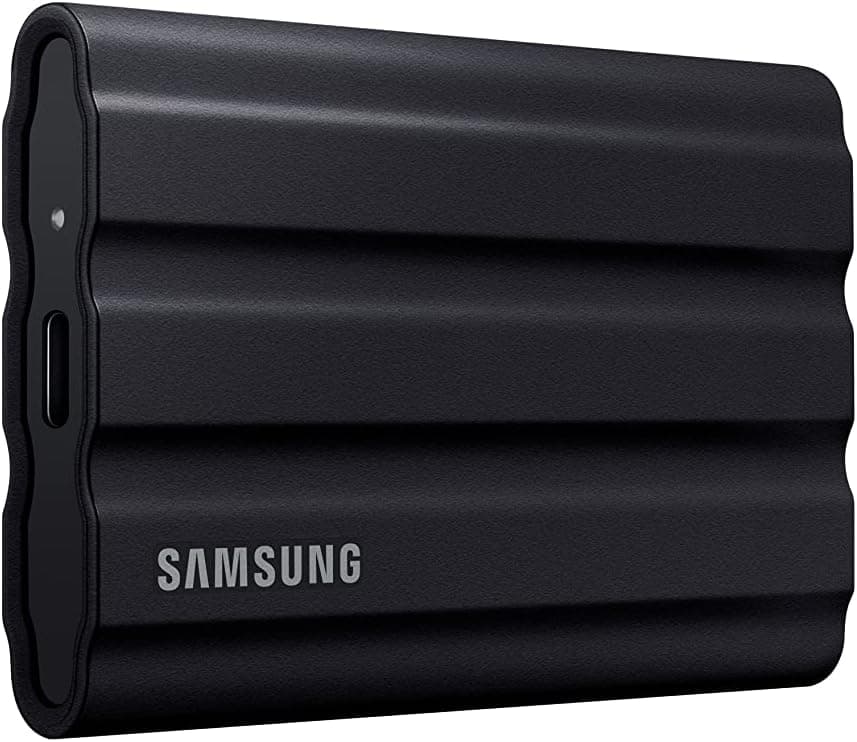
Samsung T7 Shield 2TB Rugged Portable External SSD – Up to 1,050 MB/s (USB 3.2 Gen 2)
Best for: Freelancers and anyone backing up personal files
Work laptops are usually backed up by your employer. Your personal files, freelance projects and family photos usually are not. The T7 Shield is a 2TB portable SSD with read and write speeds of up to 1,050 MB/s over USB 3.2 Gen 2. That is fast enough to work on large files directly from the drive. The rubberised shell is IP65 rated against water and dust and is rated for drops of up to 3 metres, so it can go in a laptop bag. It works with Mac, Windows, Android and recent iPhones.
Pros
- Fast transfers of up to 1,050 MB/s
- IP65 rugged shell rated for 3-metre drops
- 2TB is enough for a photo library plus project files
- Works across Mac, PC, Android and iPhone
Cons
- A single drive is not a complete backup plan, so pair it with a cloud copy
- Slower than Thunderbolt drives for professional video work
- Check your employer’s IT policy before copying work files to it
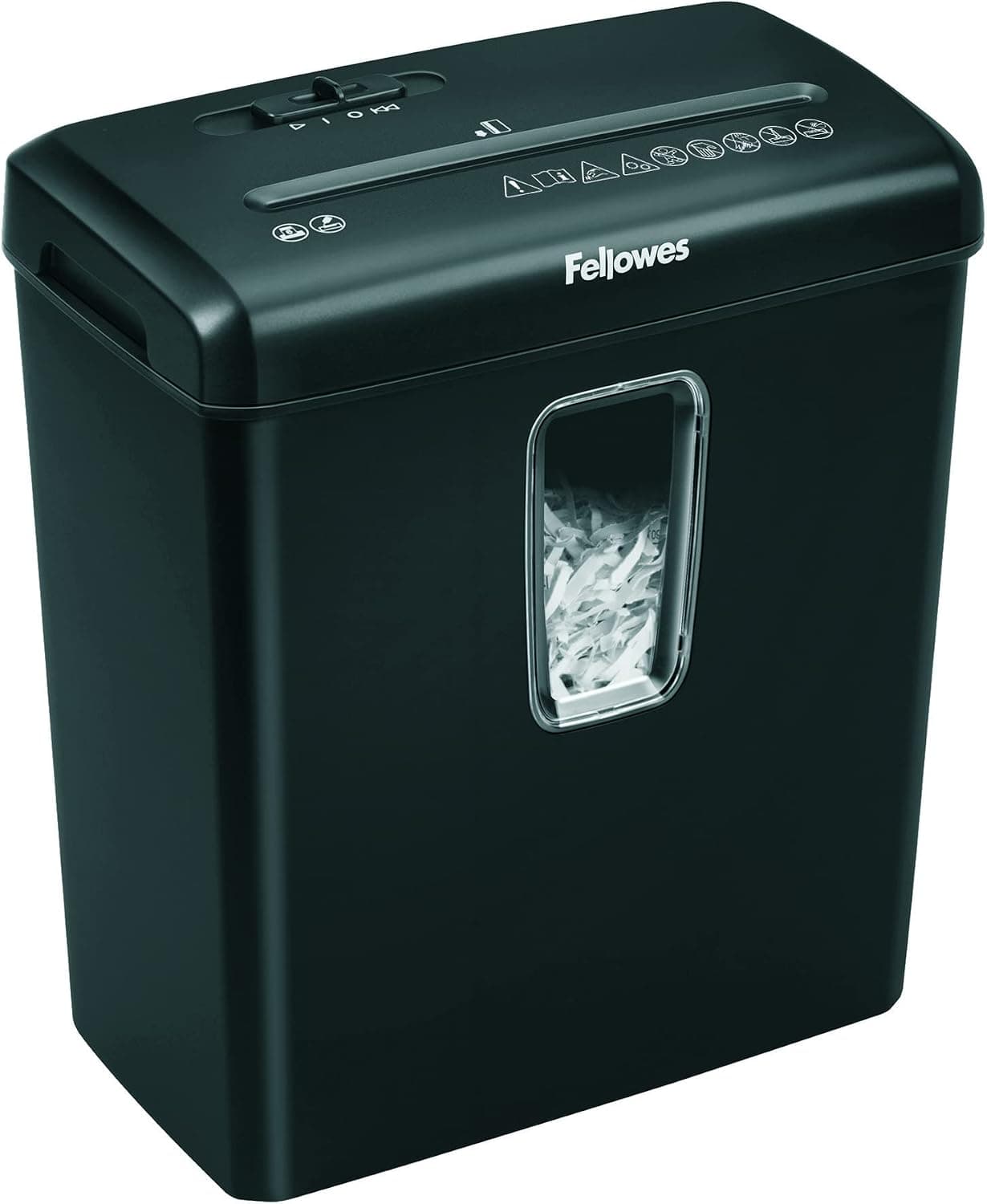
Fellowes Powershred 60Cs Cross-Cut Paper Shredder with SafeSense Technology (Irish 3-Pin)
Best for: Self-employed people and anyone handling client paperwork
If you handle client documents, payslips or bank statements at home, you need a way to get rid of them safely. The Powershred 60Cs is a cross-cut shredder that cuts paper into 4x40mm particles (security level P-4), which is a sensible level for personal and small-business paperwork. It takes up to 10 sheets per pass and also handles staples, paper clips and old bank cards. SafeSense stops the blades if a hand touches the paper slot, which matters if children are around the house. Most people will not need one, but if you do it is worth getting a cross-cut model.
Pros
- Cross-cut P-4 security suits confidential paperwork
- Handles staples, clips and payment cards
- SafeSense safety cut-off near the paper slot
- Moulded Irish 3-pin plug
Cons
- Ten sheets per pass is slow for large clear-outs
- Noisy while running
- Takes up floor space next to the desk
Other models worth considering
Links open an Amazon.ie search filtered to items sold & dispatched by Amazon.ie. Availability changes.
- Search Amazon.ie
Logitech MX Keys S
Logitech’s quieter low-profile scissor-key keyboard, for people who do not want mechanical switches.
- Search Amazon.ie
Logitech MX Mechanical Mini
Same switches as our keyboard pick but without the number pad, which frees up desk space for the mouse.
- Search Amazon.ie
Logitech Lift Vertical Mouse
A vertical mouse for smaller hands, with a left-handed version available.
- Search Amazon.ie
Anker USB-C docking station
One cable from the laptop to a monitor, keyboard, mouse and wired Ethernet. Check that the dock supports your laptop’s video output.
The Dublin Drop — Friday Deals
Price drops on Amazon.ie stock, once a week. No customs fees, no spam.
Free. No spam. Unsubscribe anytime. We only send verified domestic deals.
Our picks side by side
| Product | Type | Key spec | Power | Best for |
|---|---|---|---|---|
| Sihoo Doro C300 | Mesh office chair | Dynamic lumbar, 3D armrests, 136 kg max | None | Daily posture |
| BenQ ScreenBar Halo | Monitor light bar | 2700K–6500K, rear backlight | USB | Dark winter afternoons |
| Logitech MX Master 3S | Wireless mouse | 8,000 DPI, quiet clicks | Rechargeable | Spreadsheets, multi-PC |
| Logitech MX Mechanical | Wireless keyboard | Low-profile tactile, 3 devices | Rechargeable (up to 15 days lit) | Heavy typists |
| Anker Prime 100W | GaN charger | 2x USB-C, 1x USB-A | Irish 3-pin | Fewer chargers |
| Samsung T7 Shield 2TB | Portable SSD | Up to 1,050 MB/s, IP65 | USB bus-powered | Personal backups |
| Fellowes 60Cs | Cross-cut shredder | P-4, 10 sheets, 22-litre bin | Irish 3-pin | Confidential post |
Remote working relief and employer allowances
There are two separate tax breaks for people working from home in Ireland, and neither one covers buying furniture or gadgets yourself. At the time of writing, remote working relief lets you claim 30% of your electricity, heating and broadband costs. The amount is apportioned by the number of days you worked from home in the year. Relief is given at your highest rate of tax, and you claim it through Revenue’s myAccount, using the Receipts Tracker for your bills. If your employer pays you a working-from-home allowance, that amount is deducted before the relief is calculated.
Separately, employers may pay up to €3.20 per day worked from home without deducting PAYE, PRSI or USC. This is an administrative practice, not an entitlement, and many employers do not pay it. If they do, you claim less relief on your own bills.
If you are self-employed, the rules are different. Equipment used for your trade can generally be claimed as a business expense or capital allowance through your annual return. Keep the Amazon.ie VAT invoice for every purchase, and ask your accountant if you are unsure.
Buying advice for Irish home offices
- Set up the chair and desk before buying anything else. Your forearms should be roughly level with the desk and the top of the screen around eye height. A cheap monitor riser or a stack of books fixes screen height. A good chair cannot fix a desk that is too high.
- Plan for winter light. In December it can be dark before 4:30pm across most of Ireland. A light that shines on the desk rather than into your eyes, such as a monitor bar or a lamp angled away from the screen, reduces eye strain more than turning up screen brightness.
- Keep the box room comfortable without heating the whole house. Small rooms with a closed door warm up quickly. Heating one room is usually cheaper than running the whole house all day, and that heating counts towards your remote working relief claim.
- Use a proper extension lead. Choose a fused, surge-protected lead with a moulded 3-pin plug, not a daisy-chain of adapters. A GaN multi-port charger cuts down the number of plugs you need.
- Wire in if your Wi-Fi drops on calls. If your router is at the other end of the house, a long Ethernet cable or a USB-C dock with Ethernet is often more reliable for video calls than a Wi-Fi extender.
- Keep the receipts. Amazon.ie issues VAT invoices you can download from your orders, which helps if your employer reimburses you or you are claiming as self-employed.
For more desk and computing gear, browse office & productivity and computers & tech. For calls, our headphones guide covers noise-cancelling models with good microphones.