Start with the console, not the brand
A gaming headset differs from a pair of music headphones in three ways that matter: a boom mic close to your mouth for chat, a wireless link fast enough that footsteps and gunshots arrive in sync with the picture, and controls you can reach mid-game for volume, mute and the balance between game sound and chat. If you mostly want headphones for music, the commute or flights, our noise-cancelling headphones guide and earbuds guide are a better starting point.
The most expensive mistake with a gaming headset is compatibility, not sound. A wireless headset built for PS5 will not connect to an Xbox, and neither console supports ordinary Bluetooth headphones. So this guide starts with connection types and the rules for each platform, then gives picks in three budgets: around €50 and under, €50 to €150, and €150 and up. Every catalog pick was sold and dispatched by Amazon.ie when we checked, so there are no import charges at the door (here is why we only list Amazon.ie stock). Wireless headsets all charge over USB, so there is no plug to worry about.
Wired vs 2.4GHz wireless vs Bluetooth
- Wired 3.5mm. The simplest and most compatible option. It plugs into a PS5 DualSense, an Xbox controller, a Switch 2, a phone or a PC, with no battery and no lag. Sound processing is done by whatever you plug it into, so there is no app or EQ on the headset itself.
- Wired USB. Works on PC and PS5, and on Xbox only if the headset is made for Xbox. On a PC, USB usually unlocks the maker’s software: EQ, mic settings and extras such as DTS spatial audio on the HyperX Cloud III.
- 2.4GHz wireless (with a dongle). What most people mean by a wireless gaming headset. The small USB dongle gives a low-latency link that is fine for fast shooters, and the range covers a sitting room. Each dongle works only with the platforms its maker lists, which is where the Xbox trap comes in.
- Bluetooth. Great for a phone, a tablet or music, but it adds a noticeable delay, so it is a poor main connection for fast games. Many gaming headsets now have both: 2.4GHz for the game and Bluetooth for your phone, switched with one button.
| Wired 3.5mm | Wired USB | 2.4GHz wireless | Bluetooth | |
|---|---|---|---|---|
| Latency | None to speak of | None to speak of | Low, fine for fast games | Noticeable delay |
| Battery | Not needed | Not needed | Needs charging | Needs charging |
| PS5 | Yes, via the DualSense | Yes | Yes, if the listing names PlayStation | No Bluetooth audio |
| Xbox Series X|S | Yes, via the controller | Only headsets made for Xbox | Only Xbox versions | No Bluetooth audio |
| Switch 2 | Yes, headphone jack | Check the listing | Yes, if the listing names Switch | For listening; do not count on the mic |
| PC | Yes (may need a splitter) | Yes, with the maker’s software | Yes | Yes, but audio quality drops while the mic is on |
The Dublin Drop — Friday Deals
Price drops on Amazon.ie stock, once a week. No customs fees, no spam.
Free. No spam. Unsubscribe anytime. We only send verified domestic deals.
Platform compatibility: the traps to avoid
- PS5. Plug any 3.5mm headset into the DualSense, or use a headset with a USB dongle that lists PlayStation. The PS5 has no Bluetooth audio, so AirPods and other Bluetooth headphones will not connect directly. Sony’s 3D audio (Tempest 3D AudioTech) works with any headphones, wired or wireless. Sony’s Pulse Elite headset and Pulse Explore earbuds use PlayStation Link instead; our PS5 accessories guide covers those.
- Xbox Series X|S and Xbox One. Wired 3.5mm into the controller, or a wireless headset made for Xbox. Windows Sonic spatial audio is free; Dolby Atmos for Headphones is a paid add-on through the Dolby Access app.
- Nintendo Switch 2. The headphone jack takes any 3.5mm headset, and wireless headsets with a USB-C dongle work when the listing names Switch. The console has Bluetooth audio for listening, but do not count on a Bluetooth headset’s mic for voice chat: a wired or dongle headset is the safer choice. See our Switch 2 accessories guide for cases, controllers and storage.
- PC. Almost anything works. Use the 2.4GHz dongle rather than Bluetooth for games with voice chat: with standard Bluetooth, turning the mic on switches the headset to a hands-free mode with noticeably poorer sound. Older PCs with separate pink and green sockets need a splitter for a single-plug 3.5mm headset, which the Recon 70 includes.
- Handheld PCs and phones. A USB-C dongle suits a Steam Deck, Legion Go or Android phone; Bluetooth is fine for slower games and video.
Around €50 and under: wired basics and budget wireless
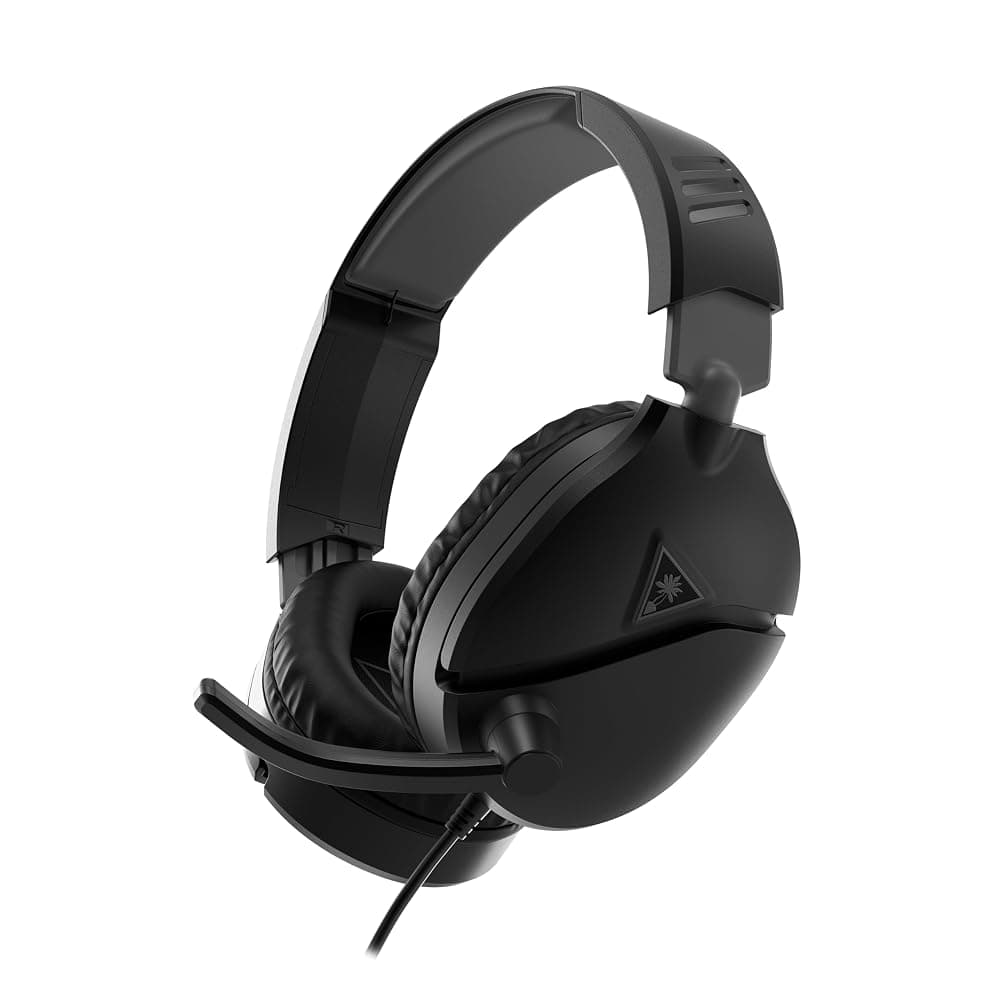
Turtle Beach Recon 70 Wired Gaming Headset for PC, PS5, Xbox & Switch – 3.5mm, Flip-to-Mute Mic, 40mm Speakers (Black)
Best for: Kids, teens, a spare for the second controller, and anyone who needs a cheap headset that works on everything
If you just need a headset that works, the Recon 70 is hard to argue with. It connects with a 3.5mm cable, so it plugs into a PS5 DualSense, an Xbox controller, a Switch 2, a phone or a PC with nothing to charge, pair or update. This is the PC version, with a 2m cable and a splitter for computers with separate headphone and mic sockets. You get 40mm speakers, synthetic leather-wrapped cushions and a mic that flips up to mute, and it works with each platform’s own spatial audio, such as Sony’s 3D Audio on PS5 and Windows Sonic. At this price there is no USB, app or wireless, and the mic suits party chat rather than streaming.
Pros
- Works with every console controller, Switch 2, phones and PCs over 3.5mm
- Nothing to charge, pair or update
- Flip-to-mute mic, with a 2m cable and PC splitter in the box
Cons
- No USB, app or EQ
- Synthetic leather cushions can get warm over a long session
- Not the mic for streaming or recording
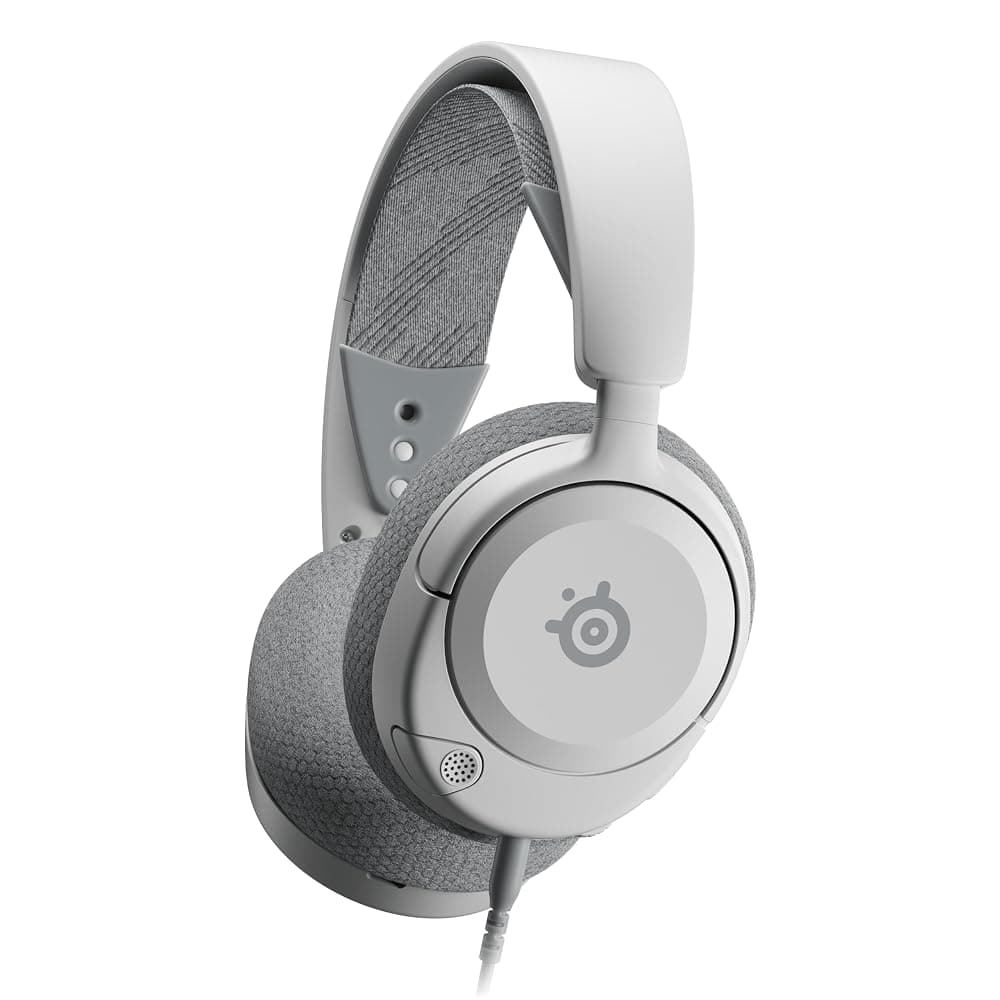
SteelSeries Arctis Nova 1 Wired Gaming Headset – Hi-Fi Drivers, 360° Spatial Audio, AirWeave Memory Foam Cushions, 3.5mm (White)
Best for: Long sessions on Switch 2, PS5 or Xbox where comfort matters more than features
The Arctis Nova 1 costs a little more than the Recon 70 and puts the difference into comfort. SteelSeries describes it as ultra-lightweight, and its AirWeave ear cushions wrap memory foam in fabric, which tends to stay cooler than leatherette over a long evening. It also connects by 3.5mm, so it works with PC, PS5, PS4, Switch and Xbox through the controller, and it supports 360° spatial audio through each platform’s own system. There is no USB, app or wireless. This listing is the white version.
Pros
- Light, with breathable fabric memory foam cushions
- 3.5mm for PC, PS5, PS4, Switch and Xbox
- Supports each platform’s 360° spatial audio
Cons
- This listing is white only
- 3.5mm only: no USB, app or EQ
- Costs a little more than the Recon 70
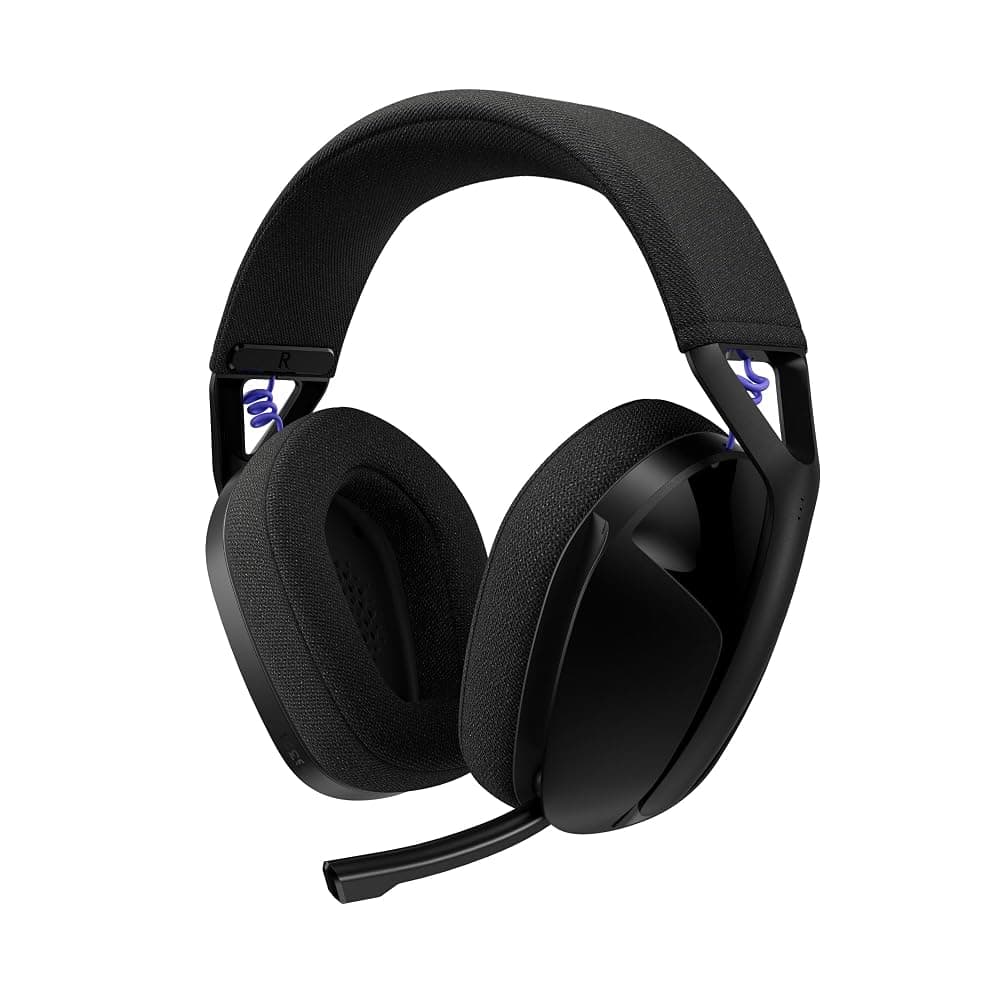
Logitech G G321 LIGHTSPEED Wireless Gaming Headset – 2.4GHz & Bluetooth, 16kHz Flip-to-Mute Mic, 210g (Black)
Best for: PC and laptop gamers, including students, who want wireless on a budget
The G321 is the cheapest way into Logitech’s LIGHTSPEED 2.4GHz wireless, which keeps latency low enough for gaming, and it adds Bluetooth for a phone, tablet or music. At 210g it is light, with memory foam ear cups and a stretchy knit headband, and the boom mic flips up to mute. Logitech quotes 20-plus hours per charge, about a third of the Arctis Nova 5’s figure, so heavy players will charge it a couple of times a week. Logitech pitches it as a PC headset and the listing does not spell out console support, so check before buying it for a PS5 or Switch 2; it will not work wirelessly on Xbox. There is no 3.5mm jack as a wired fallback.
Pros
- LIGHTSPEED 2.4GHz wireless plus Bluetooth
- Light 210g design with memory foam ear cups
- Flip-to-mute boom mic
Cons
- 20+ hours of battery is short next to the Nova 5 and Stealth 600
- No 3.5mm wired fallback
- Console support is not spelled out on the listing, and there is no Xbox support
More budget headsets to compare
Links open an Amazon.ie search filtered to items sold & dispatched by Amazon.ie. Availability changes.
- Search Amazon.ie
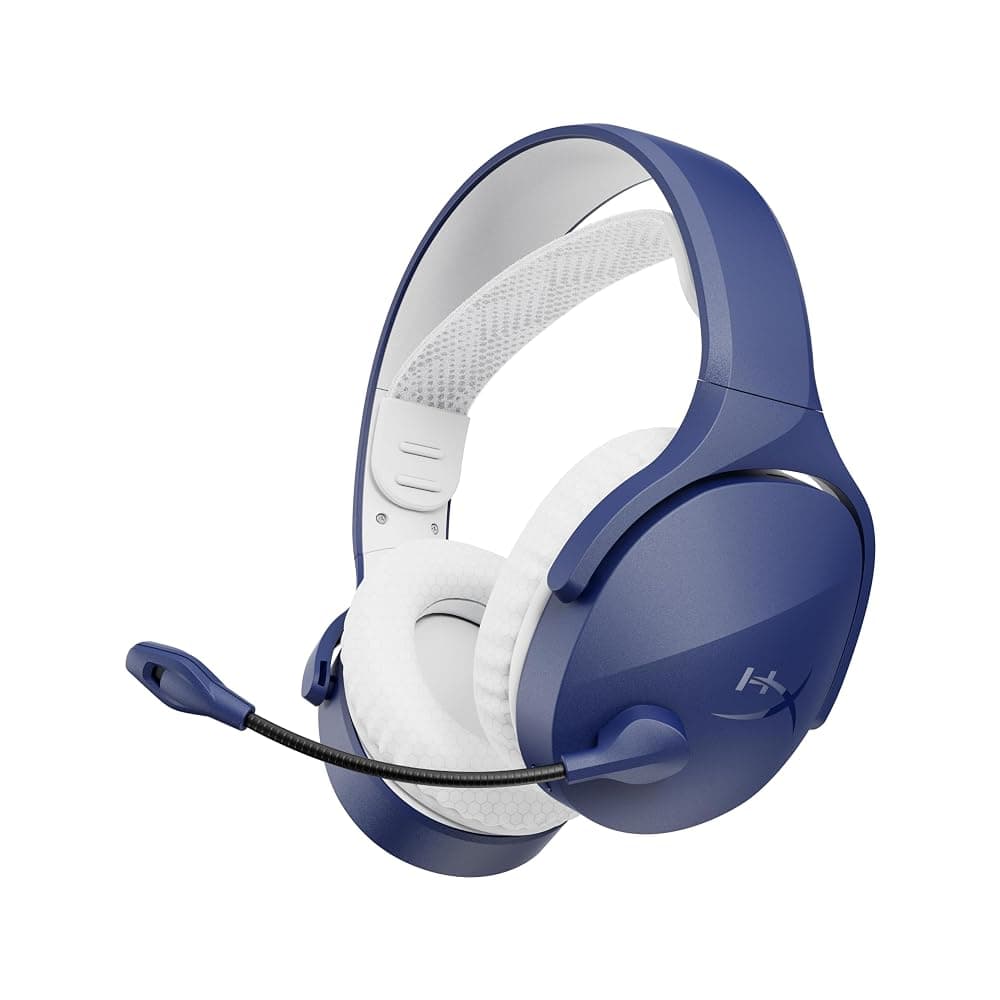
HyperX Cloud Jet Dual Wireless
HyperX’s budget 2.4GHz and Bluetooth headset. The listing names PC, Mac, PS5, PS4 and mobile, with up to 25 hours of battery; it is not an Xbox headset.
- Search Amazon.ie
Razer BlackShark V2 X
A light wired 3.5mm headset from Razer’s esports range. It comes in several colourways and platform-themed versions, so check which one the listing is.
- Search Amazon.ie
Corsair HS55
Corsair’s lightweight entry headset is sold in wired stereo, surround and wireless versions, which differ in connection and platform support.
€50 to €150: the sweet spot
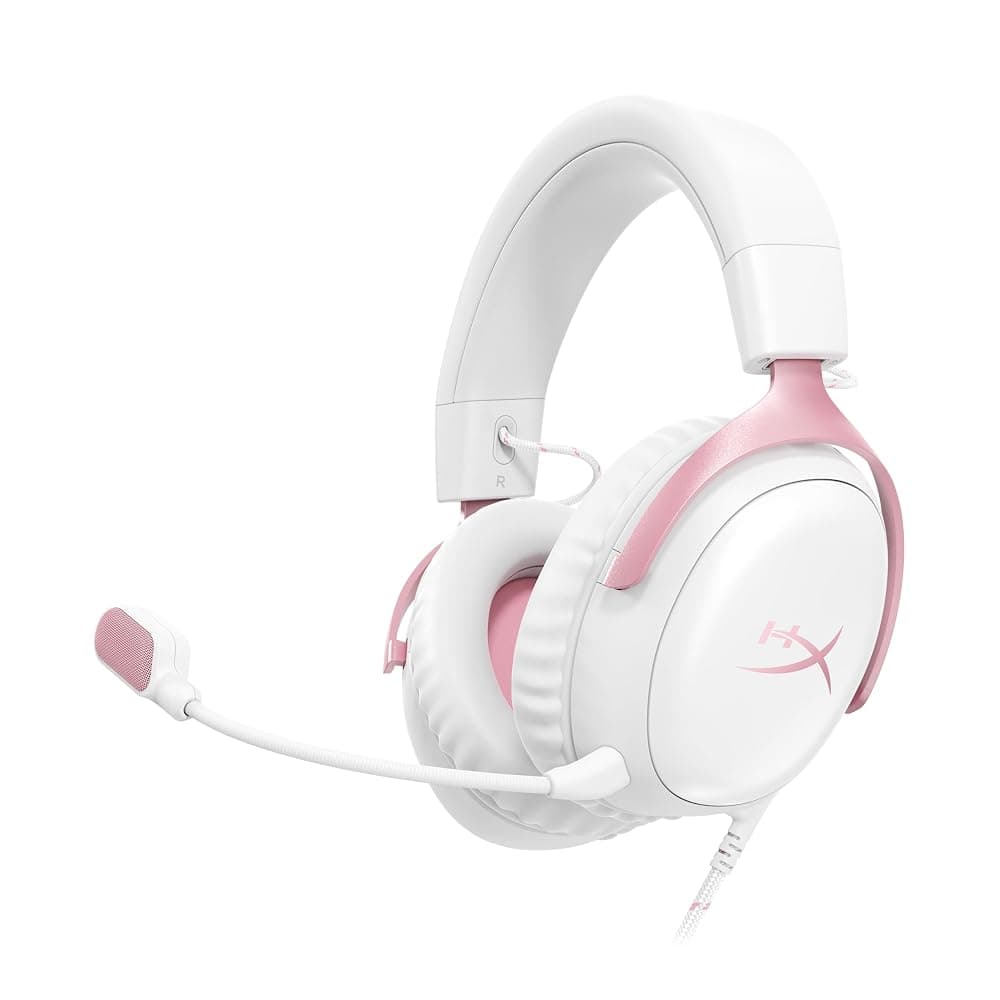
HyperX Cloud III Wired Gaming Headset – Angled 53mm Drivers, DTS Spatial Audio, 10mm Mic, USB-C/USB-A/3.5mm (Pink)
Best for: PC gamers and anyone who switches between a PC and a console
The Cloud III follows HyperX’s long-running Cloud II and keeps what made it popular: memory foam in the headband and cushions, a flexible aluminium frame and earcup controls for volume and mute. Angled 53mm drivers handle the sound, and the noise-cancelling 10mm mic has a mesh filter and an LED that shows when you are muted. The useful part is the choice of USB-C, USB-A and 3.5mm connections: use USB on a Windows PC for the included lifetime DTS Headphone:X spatial audio activation, or the 3.5mm cable in a PS5 or Xbox controller. HyperX lists PC, PS5, Xbox Series X|S, Xbox One, Switch, Mac and mobile. This listing is the pink colourway; other colours can differ in price and seller.
Pros
- Memory foam comfort and a durable aluminium frame
- USB-C, USB-A and 3.5mm: works on PC and every current console
- Noise-cancelling 10mm mic with an LED mute indicator
- Lifetime DTS Headphone:X spatial audio activation
Cons
- Wired, so you sit within reach of the cable
- DTS spatial audio is a PC feature; on consoles you use the console’s own 3D audio
- This listing is the pink version
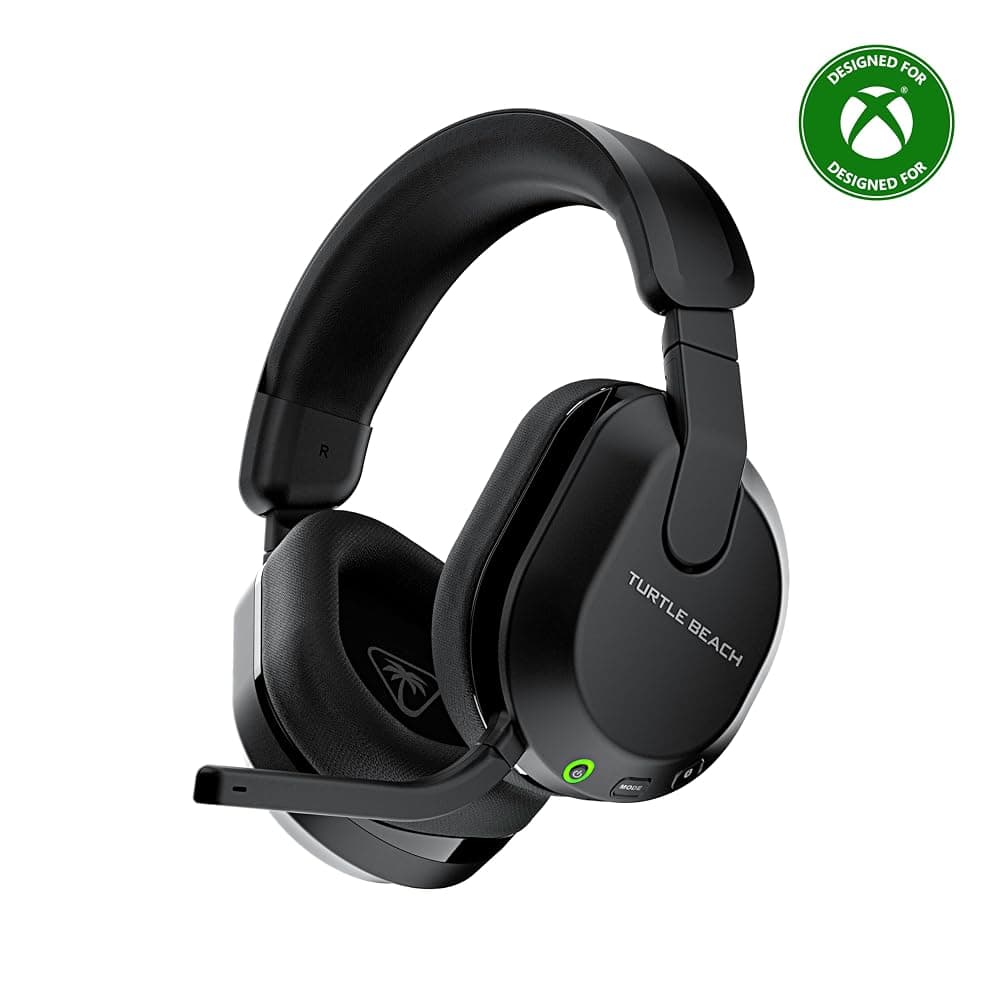
Turtle Beach Stealth 600 (Gen 3) Wireless Gaming Headset for Xbox, PS5, PC & Switch – 2.4GHz & Bluetooth 5.2, 80-Hour Battery (Black)
Best for: Xbox Series X|S owners, and households with an Xbox and a PS5
This is the Xbox version of Turtle Beach’s Stealth 600, so it connects wirelessly to an Xbox Series X|S or Xbox One, and Turtle Beach says the same 2.4GHz link also works with PlayStation, PC and Switch. That suits a house with an Xbox and a PS5. A QuickSwitch button moves between 2.4GHz and Bluetooth 5.2 for a phone, and Turtle Beach quotes up to 80 hours of battery with quick charging, the longest of our picks. You get 50mm Nanoclear drivers, a flip-to-mute mic with AI noise reduction, and the Swarm II app (PC, iOS and Android) for a 10-band EQ, mic presets and a wheel that can control game/chat balance or mic monitoring. Check the listing says Xbox: the PS5 & PC version looks almost identical but will not connect to an Xbox wirelessly.
Pros
- Wireless on Xbox Series X|S and Xbox One, plus PlayStation, PC and Switch (Turtle Beach)
- Up to 80 hours of battery with quick charge
- Flip-to-mute mic with AI noise reduction
- Swarm II app with a 10-band EQ and a remappable wheel and mode button
Cons
- Easily confused with the PS5 & PC version, which does not work wirelessly on Xbox
- Some advanced audio features work only in 2.4GHz mode, not over Bluetooth
- EQ and mic presets are set in the PC or phone app, not from the console
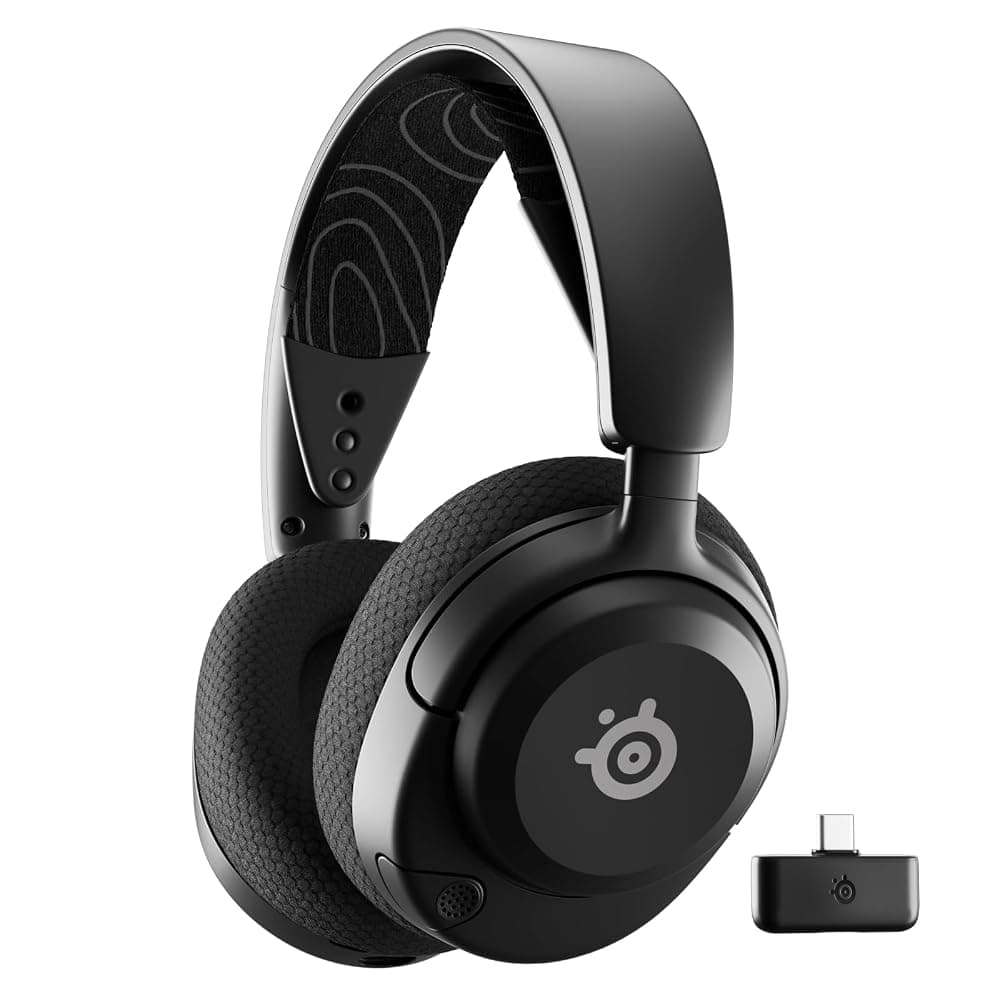
SteelSeries Arctis Nova 5 Wireless Gaming Headset – 2.4GHz & Bluetooth 5.3, 60-Hour Battery, ClearCast 2.X Mic, PC/PS5/Switch 2 (Black)
Best for: PS5, PC and Switch 2 players who want one wireless headset for everything but Xbox
The Arctis Nova 5 is the headset to buy if you play mostly on a PS5, a PC or a Switch 2 and want to lose the cable. A small USB-C dongle carries low-latency 2.4GHz audio, and one button flips to Bluetooth 5.3 for a phone call or a podcast; SteelSeries says notification beeps tell you when a call is coming in. SteelSeries quotes up to 60 hours per charge, well over a week of evening sessions for most players, and a 15-minute USB-C top-up gives about six hours. The retractable ClearCast 2.X mic records at 32kHz/16-bit, a step up from the 16kHz mics common on cheaper wireless headsets, and the companion app has more than 100 game-specific EQ presets. It sits around the top of this budget band, and sometimes just above it. It is not an Xbox headset: Xbox players should buy the Arctis Nova 5X.
Pros
- 2.4GHz for gaming plus Bluetooth 5.3 at the press of a button
- Up to 60 hours of battery, and about 6 hours from a 15-minute charge (SteelSeries figures)
- Retractable 32kHz/16-bit ClearCast 2.X mic
- One USB-C dongle for PS5, PC, Switch 2, Meta Quest and phones
Cons
- No wireless on Xbox (the Nova 5X is the Xbox version)
- The dongle is USB-C: if your PC only has USB-A ports, check the box contents for an adaptor
- No active noise cancelling
Other wireless headsets that work on Xbox
Links open an Amazon.ie search filtered to items sold & dispatched by Amazon.ie. Availability changes.
- Search Amazon.ie
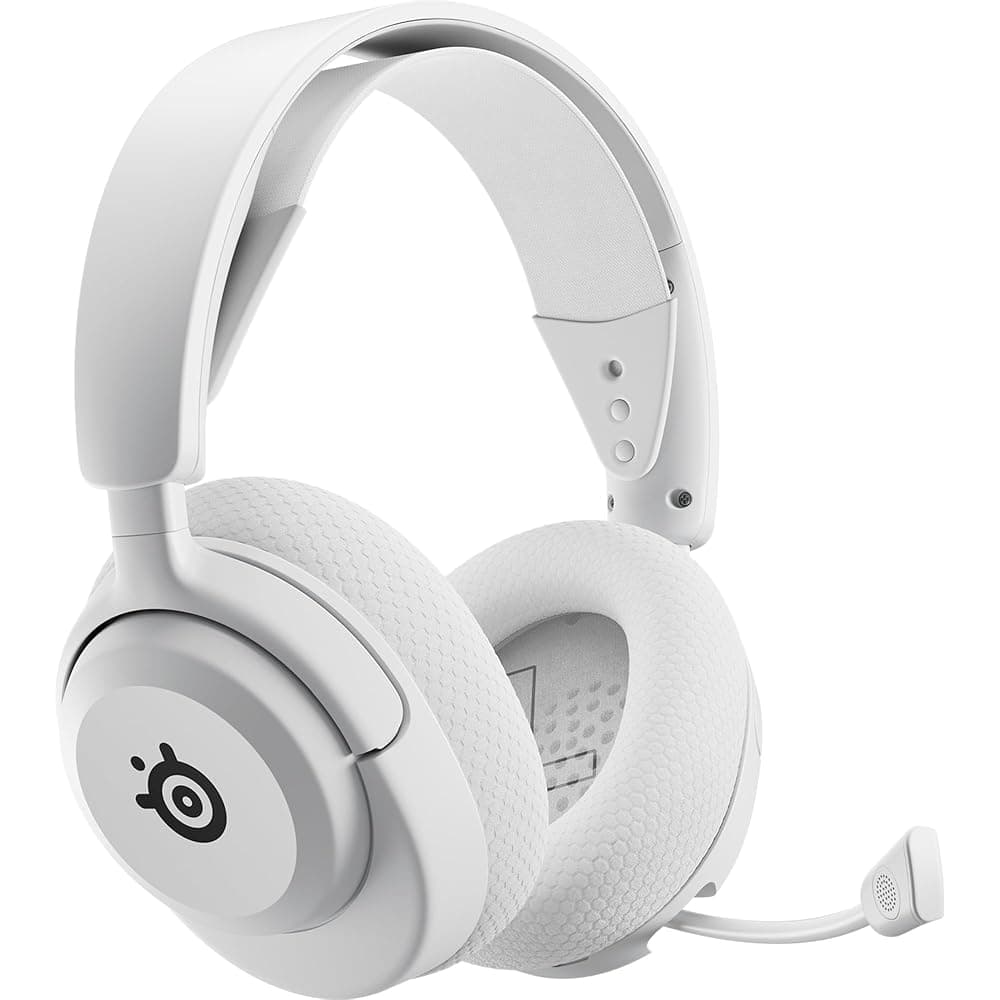
SteelSeries Arctis Nova 5X
The Xbox version of the Arctis Nova 5, with the same 100+ game audio presets in the app. Make sure the listing says 5X, not plain Nova 5.
- Search Amazon.ie
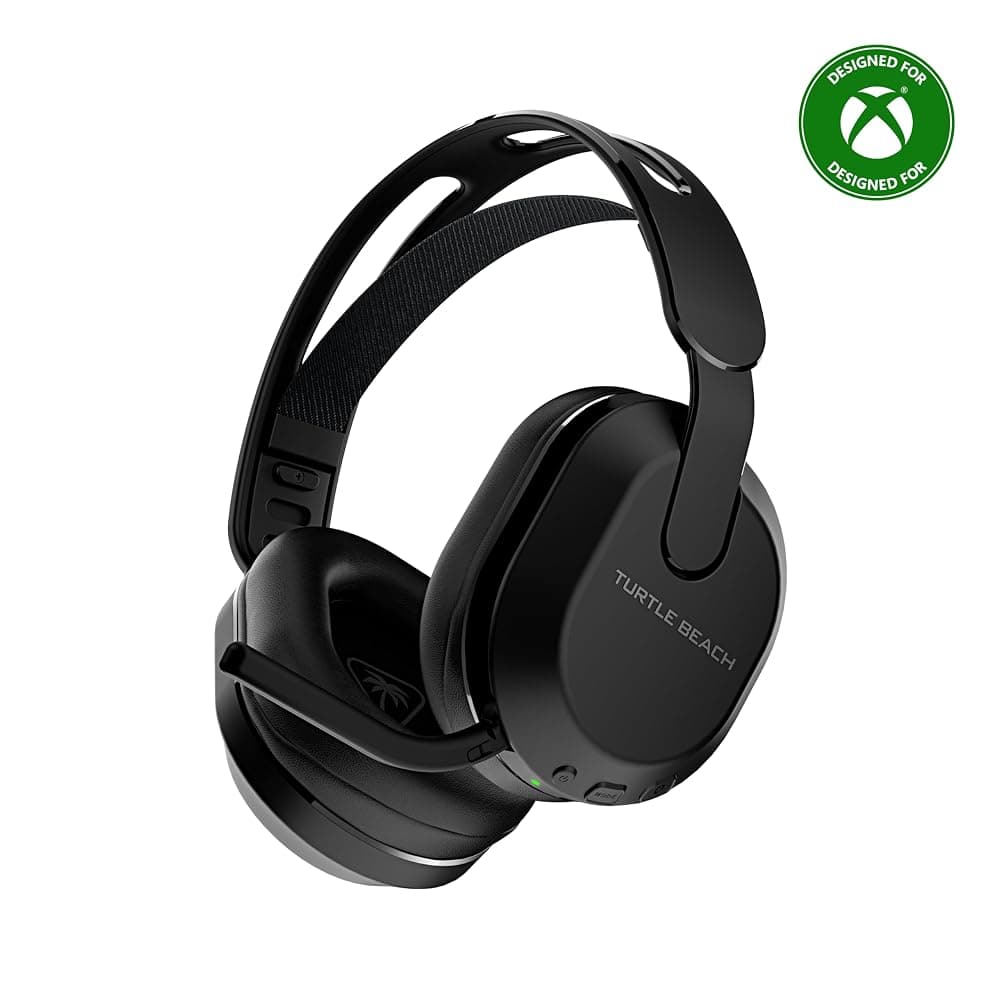
Turtle Beach Stealth 500 for Xbox
A cheaper Xbox wireless headset with Bluetooth; the listing quotes up to 40 hours of battery. It also comes in a PlayStation version, so check before buying.
- Search Amazon.ie
Xbox Wireless Headset
Microsoft’s own headset connects straight to an Xbox Series X|S or Xbox One with no dongle, and pairs with a phone over Bluetooth.
€150 and up: what the extra money buys
Above €150 you are paying for convenience and refinement more than a different kind of sound: active noise cancelling for a noisy house, base stations or dual transmitters that connect to two devices, swappable or very long-life batteries, and higher-spec mics. These are worth it if you play every evening or share a room with a TV or siblings. If you play a few hours a week, the mid-range picks above do the job. Premium models come in platform versions just like cheaper ones, so the Xbox rule still applies.
Premium headsets worth comparing
Links open an Amazon.ie search filtered to items sold & dispatched by Amazon.ie. Availability changes.
- Search Amazon.ie
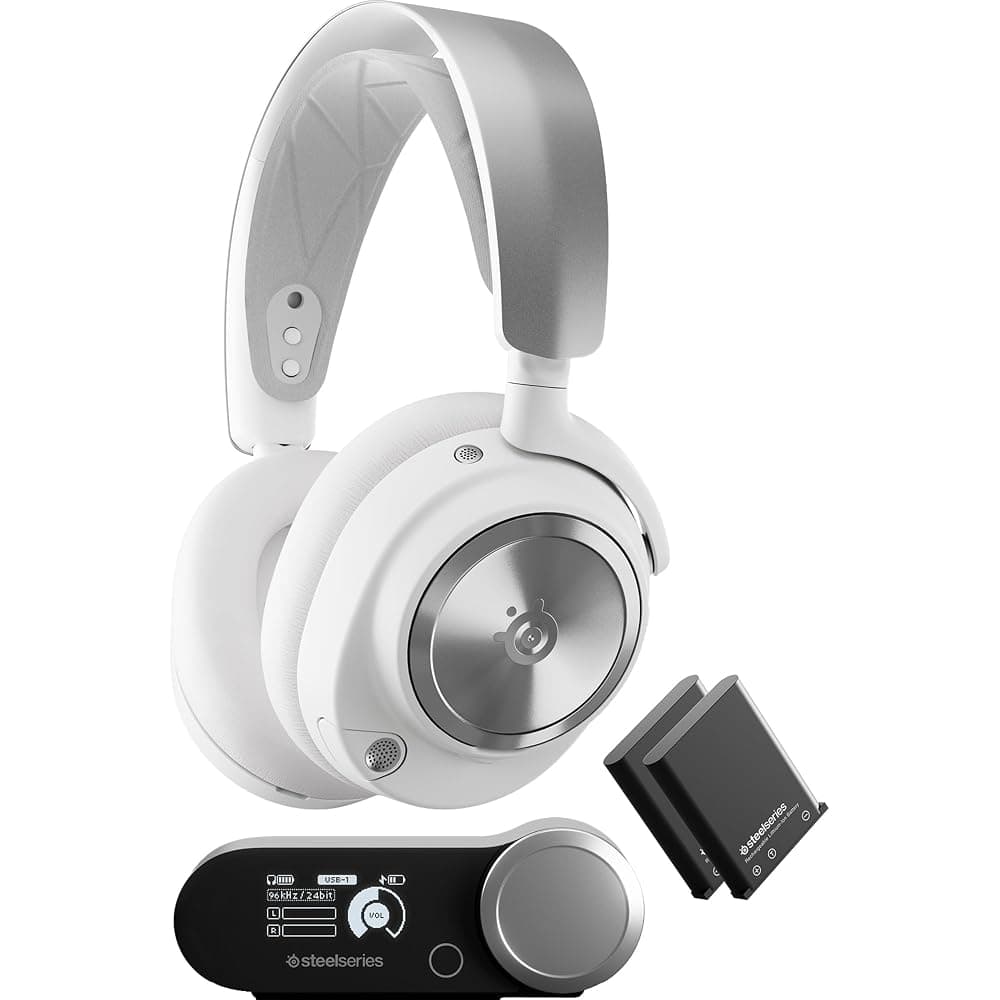
SteelSeries Arctis Nova Pro Wireless
SteelSeries’ flagship, with active noise cancelling and a base station that charges a spare, swappable battery. It has been sold in separate Xbox and PC/PlayStation versions, so check which platforms the listing names.
- Search Amazon.ie
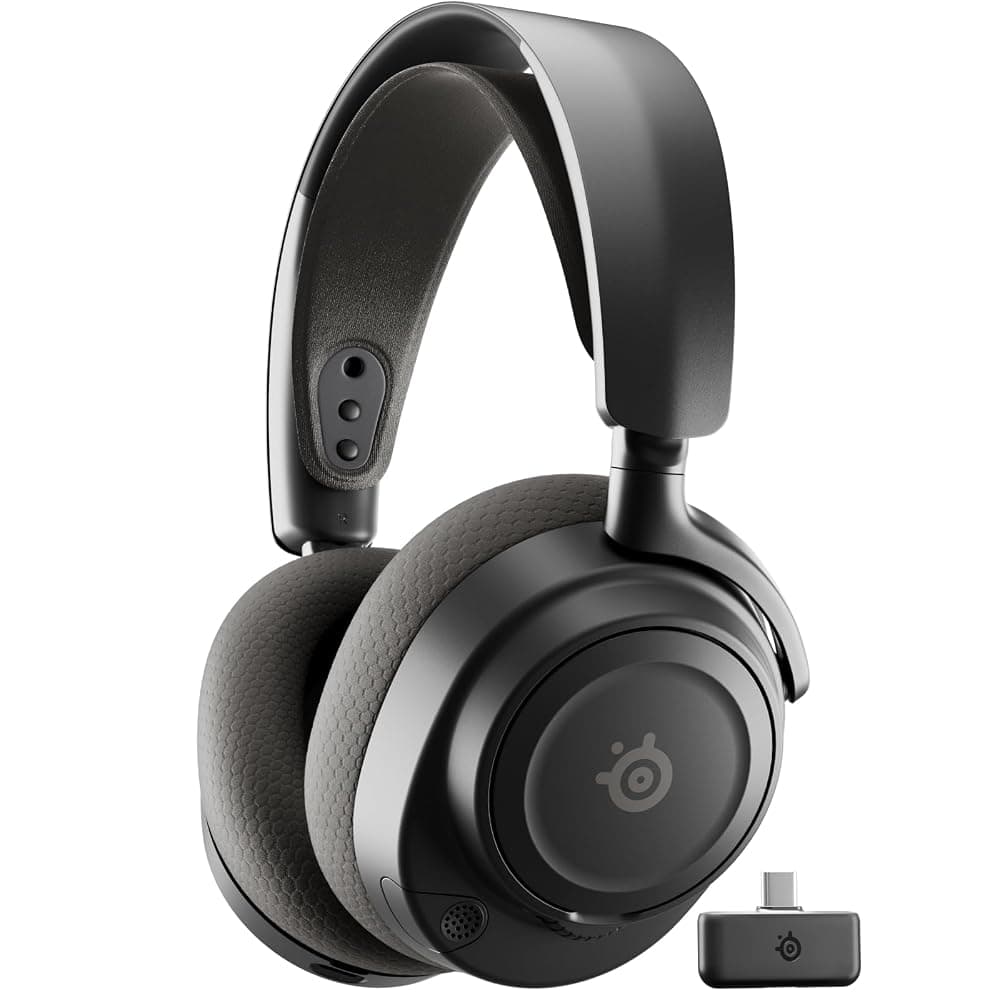
SteelSeries Arctis Nova 7 Wireless Gen 2 / Nova 7P Gen 2
The step between the Nova 5 and the Nova Pro. The listings quote 50-plus hours of battery; the 7P is the PlayStation-styled version.
- Search Amazon.ie
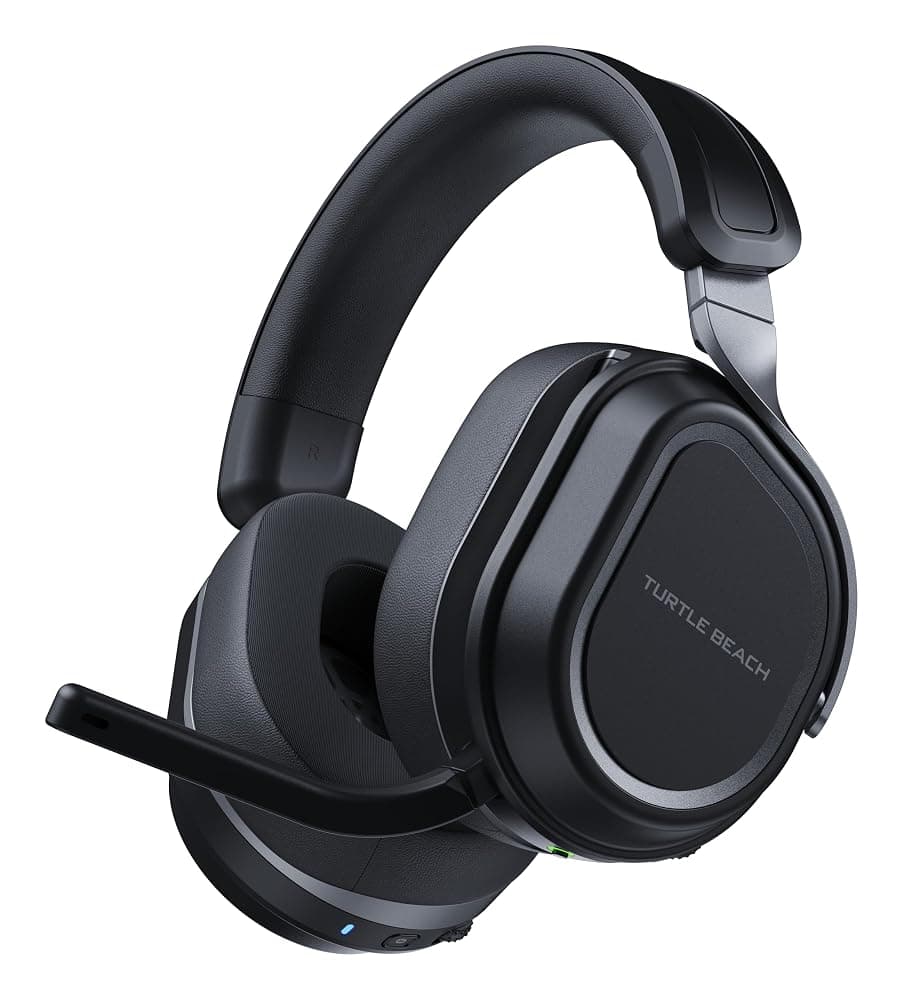
Turtle Beach Stealth 700 (Xbox version)
Turtle Beach’s step up from the Stealth 600. The Xbox listing names dual transmitters, 60mm speakers and up to 80 hours of battery.
- Search Amazon.ie
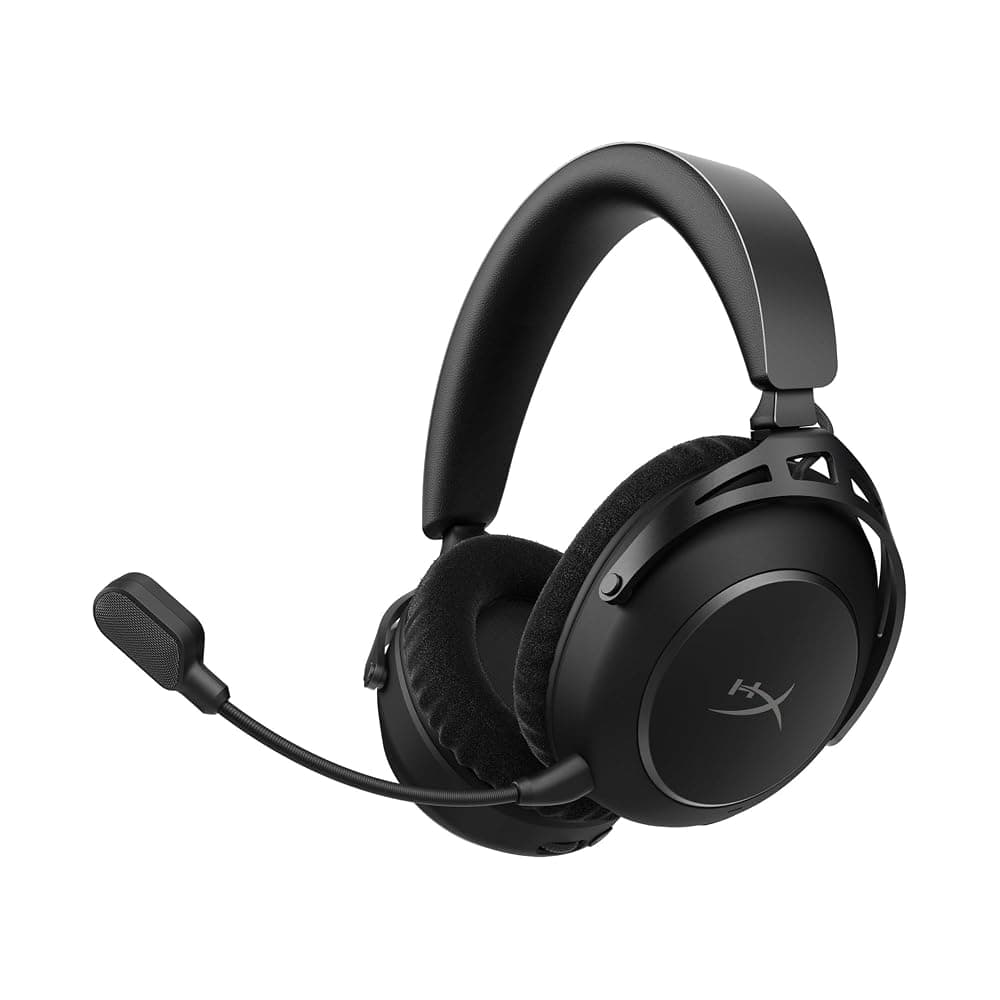
HyperX Cloud Alpha 2 Wireless
For players who never want to think about charging: the listing quotes up to 250 hours of battery, with 2.4GHz and Bluetooth. Check the platforms named before buying for an Xbox.
Our picks at a glance
| Headset | Connection | Platforms (maker’s list) | Battery | Mic | Best for |
|---|---|---|---|---|---|
| SteelSeries Arctis Nova 5 Wireless | 2.4GHz USB-C dongle + Bluetooth 5.3 | PC, PlayStation, Switch, Meta Quest, mobile (not Xbox) | Up to 60 hours | Retractable, 32kHz/16-bit | Wireless on PS5, PC and Switch 2 |
| Turtle Beach Stealth 600 Gen 3 (Xbox) | 2.4GHz transmitter + Bluetooth 5.2 | Xbox, PlayStation, PC, Switch, mobile | Up to 80 hours | Flip-to-mute, AI noise reduction | Xbox, and Xbox + PS5 homes |
| HyperX Cloud III | Wired: USB-C, USB-A, 3.5mm | PC, PS5, Xbox Series X|S, Xbox One, Switch, Mac, mobile | Not needed | Noise-cancelling 10mm, LED mute | PC plus console, no charging |
| Turtle Beach Recon 70 | Wired 3.5mm, 2m cable + PC splitter | PC, PS5, PS4, Xbox, Switch, mobile | Not needed | Flip-to-mute | The cheapest headset that works anywhere |
| SteelSeries Arctis Nova 1 | Wired 3.5mm | PC, PS5, PS4, Switch, Xbox | Not needed | Built-in mic | Light, comfortable budget wired |
| Logitech G321 LIGHTSPEED | 2.4GHz LIGHTSPEED + Bluetooth | PC (check the listing for consoles; not Xbox) | 20+ hours | Flip-to-mute, 16kHz | Budget wireless on PC |
Mic quality: how to sound clear in chat
- A boom mic beats a hidden one. A mic on an arm near your mouth picks up your voice over the room. Retractable and flip-up booms are a good compromise if you also wear the headset for listening.
- Look at the sample rate where it is listed. 16kHz, as on the Logitech G321, is standard voice quality and fine for team chat. The Arctis Nova 5’s 32kHz/16-bit mic captures more of the top end of your voice, which sounds fuller to the people you are talking to.
- Noise reduction helps in a busy house. The Stealth 600 has AI noise reduction built in. On PC, Discord’s own noise suppression and NVIDIA Broadcast (on RTX graphics cards) can clean up any headset mic.
- Position matters more than price. Put the mic just to the side of the corner of your mouth rather than directly in front, which cuts breath noise and popping.
- Mic monitoring stops you shouting. Hearing a little of your own voice in the headset (sidetone or mic monitoring, which the Stealth 600’s wheel can control) helps you keep a normal speaking volume, a small mercy for anyone asleep in the next room.
- Avoid Bluetooth for voice on PC. With standard Bluetooth, turning the mic on drops the headset into a hands-free mode with flat, compressed audio. Use the 2.4GHz dongle or a cable for chat.
- Streaming or recording? Even good headset mics are designed for chat. If you stream, a separate USB microphone is the bigger upgrade.
What else to check before you buy
- The platform on the listing. Read the title and the compatibility line, not just the photo. PlayStation and Xbox versions of the same headset often look identical apart from a colour accent.
- The dongle’s plug. Newer dongles are USB-C. That suits a PS5’s front port, a Switch 2 and most laptops, but an older desktop with only USB-A ports needs an adaptor if one is not in the box.
- Comfort and fit. Weight, clamping force and cushion material matter more over a three-hour session than driver size. Fabric cushions breathe better; leatherette seals better and blocks more of the room. Glasses wearers usually get on better with softer, deeper cushions and lighter clamping.
- Spatial audio is mostly free. PS5’s Tempest 3D AudioTech works with any headphones, and Windows Sonic is free on PC and Xbox. Dolby Atmos for Headphones is a paid add-on on PC and Xbox. Do not pay extra for a headset just because the box says 7.1: on a stereo headset that is virtual surround.
- Battery life for your habits. 20 hours means charging once or twice a week if you play every evening; 60 to 80 hours means every couple of weeks for most players. Quoted figures are best cases, and battery life drops at high volume. All of these charge over USB, so any phone charger or the console’s USB port will do.
- For children. A wired 3.5mm headset with an adjustable headband and a flip-to-mute mic is the low-risk choice. Keep the volume moderate, and use the console’s parental controls to manage who they can voice chat with.
Need a headset for Teams calls rather than games? An inexpensive USB office headset such as the Logitech H390 does that job, and our home office tech guide covers the rest of the desk. For more gaming guides, see our PS5 accessories and Switch 2 accessories guides or browse the gaming category. You can also shop all audio and headphones from Amazon.ie stock.