Which PS5 accessories are worth buying?
Most PS5 owners end up wanting the same few things, roughly in this order: more storage once the built-in drive fills up, a second controller for family or friends, an easier way to keep controllers charged, a headset for online games, and, if the TV is shared, a PlayStation Portal for playing in another room. A stand comes last, but it matters more than it used to, because the newer consoles no longer come with a vertical one.
One honest note before the picks. Sony’s own hardware, including the DualSense controllers, the PlayStation Portal and the Pulse headsets, moves in and out of Amazon.ie’s own stock, so those items are listed below as search links filtered to Amazon.ie stock rather than as catalog picks. If nothing appears, it is not in stock there at that moment. If you buy from another seller, check where it ships from: an order from a UK marketplace seller can leave you paying VAT and a handling fee at the door. The catalog picks on this page were all sold and dispatched by Amazon.ie and in stock when we checked.
- Small gifts and stocking fillers (typically under €30): the PowerA charging dock, the Trust vertical stand, the PowerA Portal case, or the ICY BOX heatsink if they already have a bare SSD.
- The upgrade that makes the biggest difference: an M.2 SSD. The licensed SanDisk 850P 1TB is the simplest; the 850X 2TB suits shared consoles. Both are big-ticket buys at current storage prices.
- For a second player: a standard DualSense, or the DualSense Edge for competitive players.
- For a shared TV: the PlayStation Portal, if your home Wi-Fi is solid.
Original PS5, Slim or Pro: what changes for accessories
Three PS5 designs are in Irish homes: the original 2020 console, the smaller PS5 Slim, and the PS5 Pro. Controllers, headsets, the PlayStation Portal and M.2 storage work with all three, but stands, covers, USB ports and the disc drive differ. Check the model number on the back or underneath before buying anything that physically attaches to the console.
| Original PS5 (2020) | PS5 Slim | PS5 Pro | |
|---|---|---|---|
| Built-in storage | 825GB | 1TB on launch models; check the listing, as later revisions vary | 2TB |
| Disc drive | Built in on the standard model; the Digital Edition cannot add one | Fitted to the standard model (it detaches); the Digital Edition can add Sony’s Disc Drive | Not included; takes the same detachable Disc Drive, which needs a one-time online pairing |
| Vertical stand in the box | Yes, one stand for both orientations | No: feet for lying it flat; vertical stand sold separately | No: feet for lying it flat; vertical stand sold separately |
| M.2 SSD expansion slot | Yes | Yes | Yes |
| Front USB ports | One USB-A, one USB-C | Two USB-C (USB-A ports are at the back) | Two USB-C (USB-A ports are at the back) |
| Covers, faceplates and skins | Original-model parts only | Slim-specific parts only | Pro-specific parts only |
The Dublin Drop — Friday Deals
Price drops on Amazon.ie stock, once a week. No customs fees, no spam.
Free. No spam. Unsubscribe anytime. We only send verified domestic deals.
More storage: the upgrade most PS5s need
Big multiplayer and open-world games can each take 100GB or more, and an original PS5 has only about 667GB free out of the box. Every PS5 model has an M.2 expansion slot that takes a standard NVMe SSD, and games run from it exactly as they do from the internal drive. Sony’s requirements are the same on all three models: a PCIe Gen4 M.2 NVMe SSD, 250GB to 8TB, with a sequential read speed of 5,500 MB/s or faster recommended, and a heatsink or other cooling fitted, all within Sony’s published size limits. SSD prices have climbed steeply over the past year, so buy the capacity you will use and watch for reductions around Black Friday.
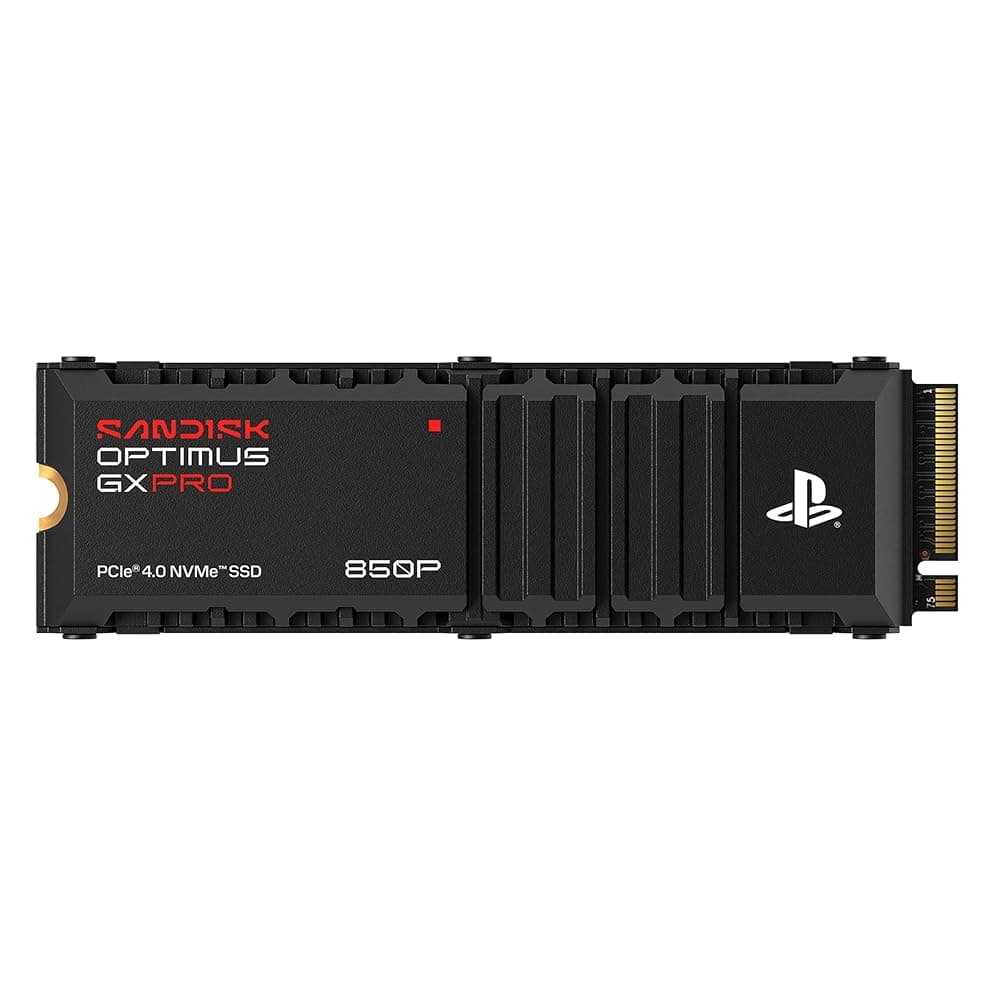
SanDisk Optimus GX PRO 850P 1TB NVMe M.2 SSD with Heatsink – Officially Licensed for PS5 and PS5 Pro
Best for: Anyone who wants the upgrade done once, properly, on any PS5 model.
The simplest way to add space with no doubts about fit. The 850P is officially licensed for PS5 and PS5 Pro and arrives with a heatsink shaped for the console’s slot already attached, so you take off a panel, unscrew the slot cover, fit the drive and let the console format it. Sequential reads of up to 7,300 MB/s are well above Sony’s recommendation, games run straight from it, and SanDisk gives it a five-year limited warranty. You pay a little extra for the licence over a generic drive with the same specification, and at current storage prices 1TB is already a considerable spend.
Pros
- Officially licensed for PS5 and PS5 Pro
- Made-to-fit heatsink already fitted
- Up to 7,300 MB/s sequential reads (SanDisk figure), well above Sony’s 5,500 MB/s recommendation
- Five-year limited warranty
Cons
- Costs a little more than an unlicensed drive with a similar specification
- Storage prices are high at the moment, so 1TB is a considerable spend
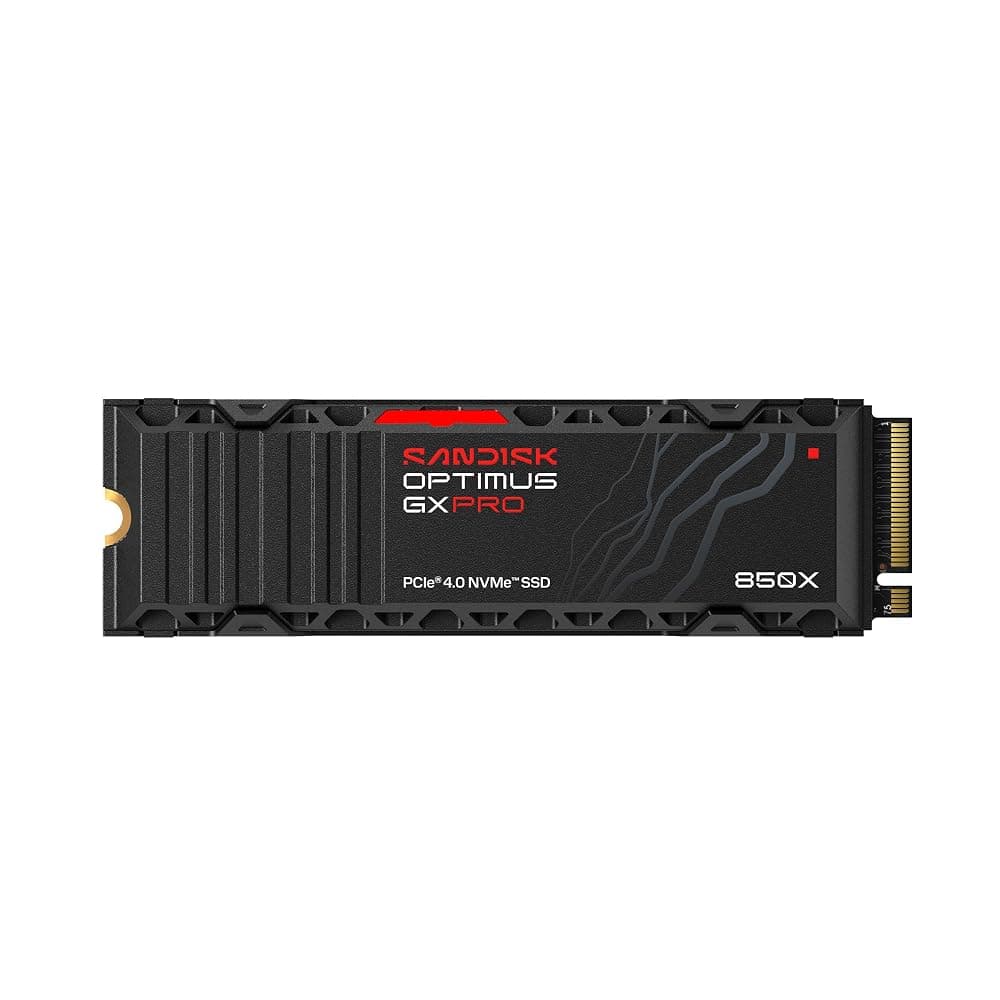
SanDisk Optimus GX PRO 850X 2TB NVMe M.2 2280 SSD with Heatsink – PCIe 4.0, up to 7,300 MB/s
Best for: Families and heavy players with lots of large games installed at once.
If several people share the console, or you keep a rotation of large games installed, 2TB is where storage stops being a weekly chore. This 850X has an integrated heatsink that SanDisk states is compatible with PS5 and PS5 Pro, reads at up to 7,300 MB/s and carries the same five-year limited warranty as the 850P. It is not officially licensed by PlayStation, so you are relying on SanDisk’s stated compatibility rather than a licence badge, and it is a big purchase at today’s prices.
Pros
- 2TB: more than twice the usable space an original PS5 or 1TB Slim has built in
- Integrated heatsink, stated by SanDisk to suit PS5 and PS5 Pro
- Rated up to 1,200 TBW, with a five-year limited warranty
Cons
- Not officially licensed by PlayStation
- A significant outlay at current SSD prices
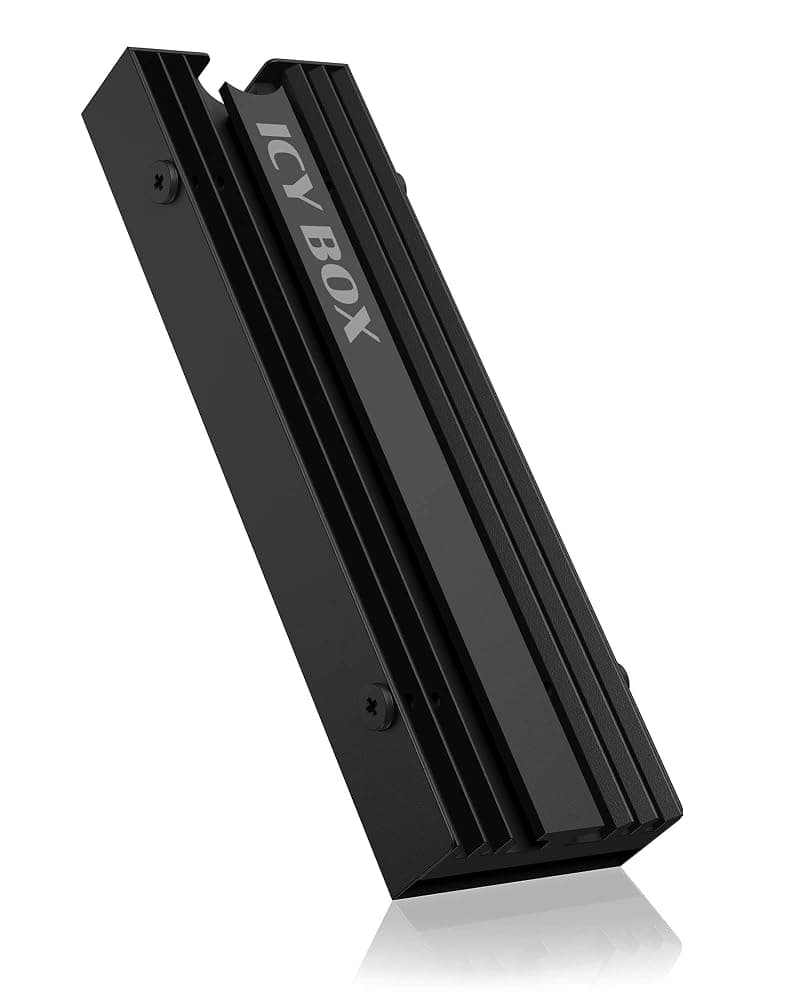
ICY BOX IB-M2HS-PS5 Aluminium M.2 SSD Heatsink for PS5 – M.2 2280, 10mm High, 3 Thermal Pads
Best for: Anyone moving a bare 2280 Gen4 SSD into a PS5.
Plenty of good Gen4 drives are sold without a heatsink, and Sony will not let you skip cooling. This ICY BOX aluminium cooler is designed for the PS5’s slot, takes the standard 2280 drive size, is 10mm high and comes with three thermal pads and fittings. It makes sense when you already own a fast bare drive or the bare version costs noticeably less; check the drive is PCIe Gen4 and reads at 5,500 MB/s or faster first.
Pros
- Designed for the PS5 M.2 slot
- Solid aluminium, with three thermal pads included
- Also fits common PC motherboard M.2 slots
Cons
- Adds a few minutes and some care to the install
- Only for M.2 2280 drives without a heatsink already fitted
Not ready to open the console? A USB drive is the cheaper, no-screwdriver option, with one limit: PS5 games can be stored on USB extended storage but must be copied back to internal or M.2 storage to play, while PS4 games play directly from it. A fast portable SSD such as the Samsung T7 Shield makes those copies quick, and it doubles as a laptop backup drive.
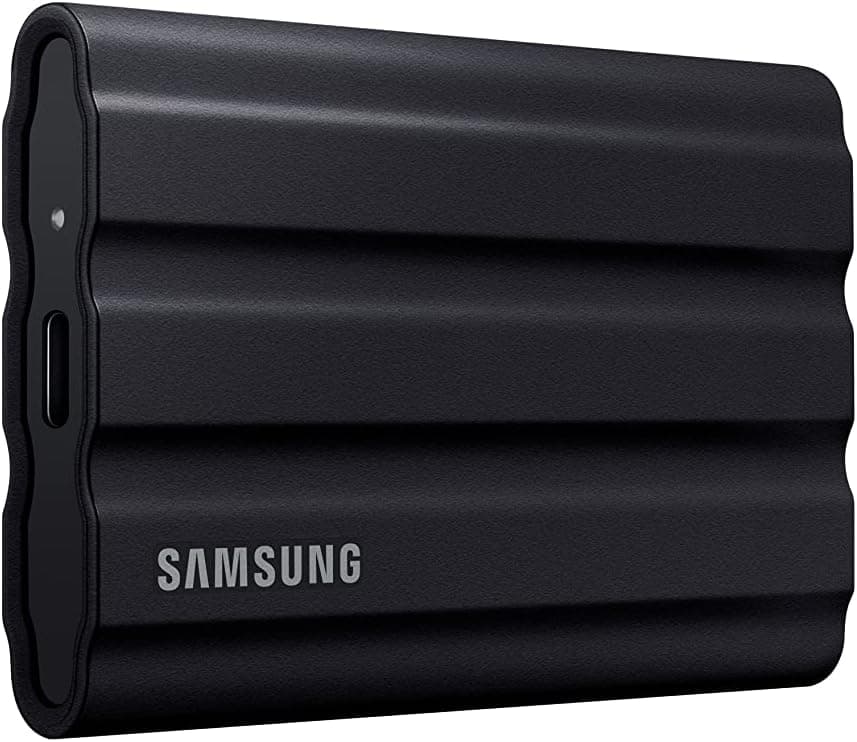
Samsung T7 Shield 2TB Rugged Portable External SSD – Up to 1,050 MB/s (USB 3.2 Gen 2)
See today's price on Amazon.ie.
Check price on Amazon.ie| SanDisk 850P 1TB | SanDisk 850X 2TB (heatsink) | Bare SSD + ICY BOX heatsink | Samsung T7 Shield 2TB (USB) | |
|---|---|---|---|---|
| Where it goes | Internal M.2 slot | Internal M.2 slot | Internal M.2 slot | USB port on the console |
| Play PS5 games from it | Yes | Yes | Yes, if the drive meets Sony’s spec | No: store them, copy back to play |
| Play PS4 games from it | Yes | Yes | Yes | Yes |
| Officially licensed for PS5 | Yes | No (SanDisk states compatibility) | Depends on the drive | No (standard USB storage) |
| Fitting | Remove a panel and the slot cover | Remove a panel and the slot cover | Fit the heatsink first, then install | Plug in and format |
| Best for | A sure-fire first upgrade | Large, shared libraries | Reusing a bare drive | Parking games and PS4 titles |
Controllers: DualSense, DualSense Edge and licensed pads
For a second controller, the standard DualSense is the safe choice: haptic feedback, adaptive triggers, a built-in microphone and a headphone jack, and it works with every PS5 model, including the PS5 Pro. The DualSense Edge adds two swappable back buttons, replaceable stick modules, trigger stops and on-the-fly profiles, which competitive players value, but it costs far more and its battery life is widely reported to be shorter than the standard pad’s.
Controllers to search for
Links open an Amazon.ie search filtered to items sold & dispatched by Amazon.ie. Availability changes.
- Search Amazon.ie
Sony DualSense Wireless Controller
The standard PS5 pad, in several colours. Sony’s own stock moves in and out of Amazon.ie, so check the seller is Amazon.ie before you buy.
- Search Amazon.ie
Sony DualSense Edge Wireless Controller
Back buttons, replaceable stick modules, trigger stops and profiles, with a carry case in the box. Worth it for competitive shooters and sports games; overkill for casual play.
- Search Amazon.ie
Nacon Revolution 5 Pro
An officially licensed PS5 controller with Hall effect sticks and extra buttons, for anyone who wants a pro-style pad that is not made by Sony.
Charging: keep controllers topped up
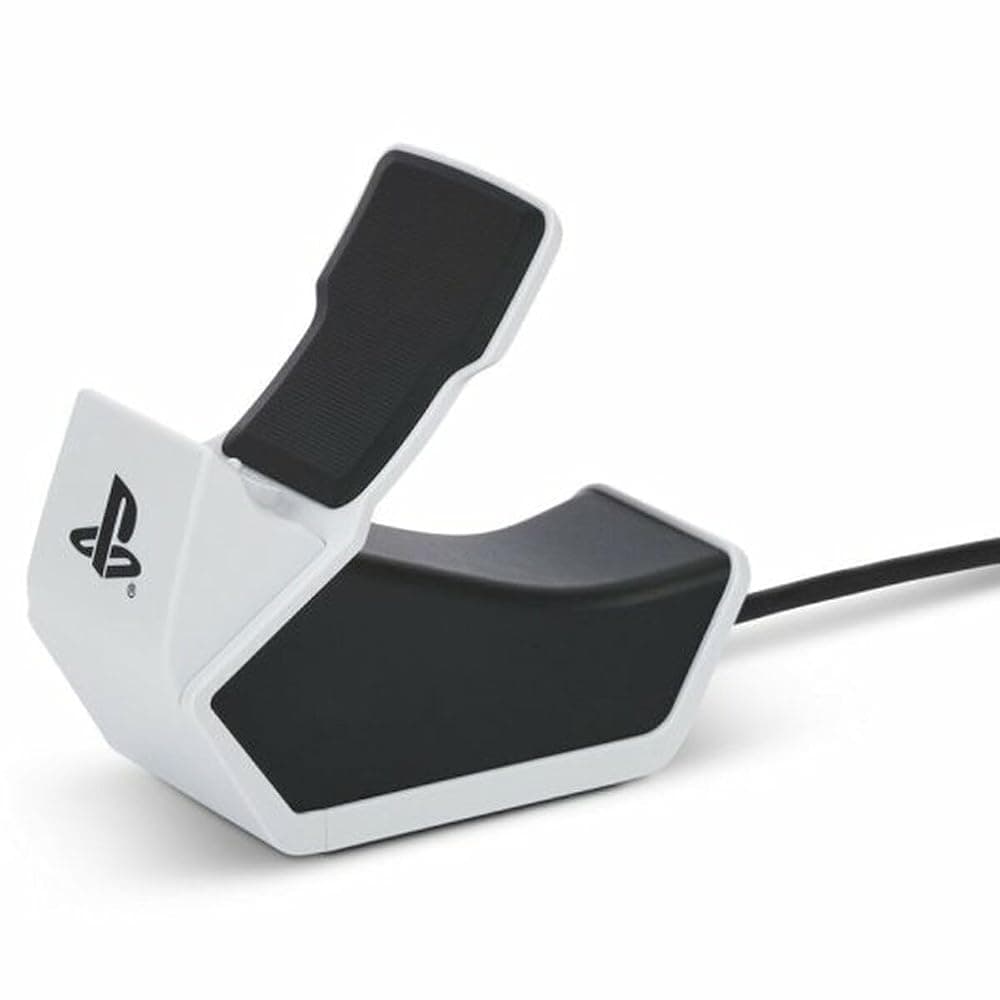
PowerA Solo Charging Station for PS5 DualSense and DualSense Edge Controllers – Officially Licensed, USB Powered
Best for: One-controller households and stocking fillers.
An officially licensed single dock: drop the controller on and it charges, with an LED to show status. PowerA says it works with both the DualSense and the DualSense Edge. It runs off a 1m USB cable, so plug it into a USB-A port on the console (at the back on the Slim and Pro) or into a USB phone charger; there is no plug in the box. If it is plugged into the console, turn on USB power in Rest Mode so it keeps charging after you finish playing.
Pros
- Officially licensed, and takes the DualSense Edge as well as the standard pad
- Simple drop-on design with a charging LED
- USB powered, so it can run from the console or a phone charger
Cons
- Charges one controller only
- No mains plug included, so it needs a USB port or USB charger
For two controllers
Links open an Amazon.ie search filtered to items sold & dispatched by Amazon.ie. Availability changes.
- Search Amazon.ie
Sony DualSense Charging Station
Sony’s own dock charges two controllers at once without the console switched on. It runs from its own mains adaptor, so check the listing is the UK/Irish 3-pin version and that the seller is Amazon.ie, as stock varies.
Headsets and earbuds
The most common mistake with PS5 audio: the console does not connect to ordinary Bluetooth headphones. You can plug any wired headset into the DualSense’s 3.5mm jack, use a headset with its own USB wireless adapter, or use Sony’s Pulse range, which connects through a small PlayStation Link USB adapter and can stay paired to your phone by Bluetooth at the same time. Our gaming headset guide covers the wider choice.
PlayStation audio to search for
Links open an Amazon.ie search filtered to items sold & dispatched by Amazon.ie. Availability changes.
- Search Amazon.ie
Sony Pulse Elite wireless headset
Planar magnetic drivers, a retractable microphone and a charging hanger, with PlayStation Link for PS5 and Portal plus Bluetooth for a phone.
- Search Amazon.ie
Sony Pulse Explore wireless earbuds
Earbuds with planar drivers and PlayStation Link; the low-latency PlayStation Link connection makes them a natural pair for the Portal.
PlayStation Portal and its accessories
The PlayStation Portal is not a standalone console. It is an 8-inch screen with DualSense controls that streams games from your PS5 over Wi-Fi, so someone else can use the TV while you keep playing. It works with every PS5 model, and Sony has also added cloud streaming of selected games for PlayStation Plus Premium members. Like the console, it does not support Bluetooth audio: use the 3.5mm jack, or a Pulse Explore or Pulse Elite over PlayStation Link.
The Portal is only as good as your network. Sony recommends a broadband connection of at least 5Mbps, and 15Mbps or faster for the best results. At home, connect the PS5 to the router with an Ethernet cable and keep the Portal on 5GHz Wi-Fi. Playing away from home depends on your home upload speed, which is often the weak point on rural fixed-wireless and older copper lines.
Also worth considering
Links open an Amazon.ie search filtered to items sold & dispatched by Amazon.ie. Availability changes.
- Search Amazon.ie
Sony PlayStation Portal Remote Player
Needs a PS5 and a good home connection. Sony stock varies on Amazon.ie, so check the seller.
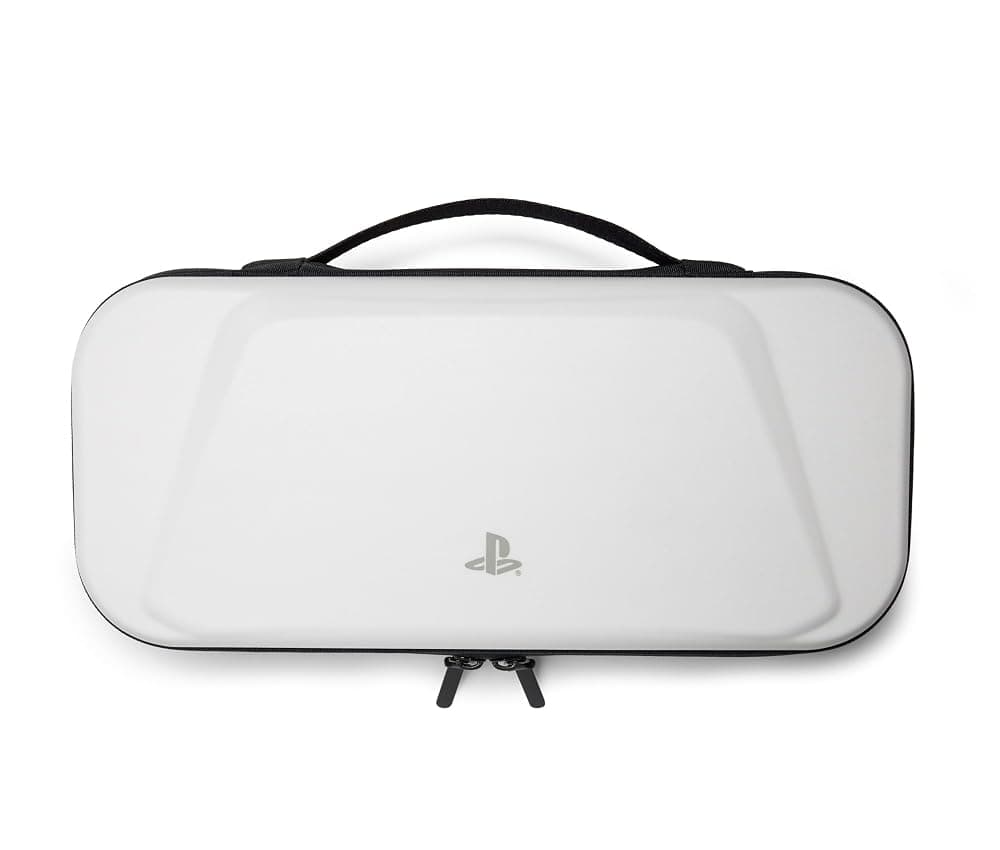
PowerA Protection Case for PlayStation Portal Remote Player – Officially Licensed, Charging Pass-Through (White)
Best for: Portal owners who play in another room, at college or on holiday.
The Portal’s full-size grips make it awkward to carry unprotected. This officially licensed PowerA case has a hard shell, a moulded interior, a padded screen flap with a mesh pocket and a top handle, and its cable pass-through lets the Portal charge with the case zipped. It is bulky, as every Portal case is, and the white finish will show scuffs over time. For long trips, a USB-C power bank keeps the Portal going.
Pros
- Officially licensed, with a 2-year limited warranty
- Charges the Portal inside the closed case
- Padded screen flap and accessory pocket
Cons
- Bulky, because the Portal is
- White finish shows dirt
Stands and placement
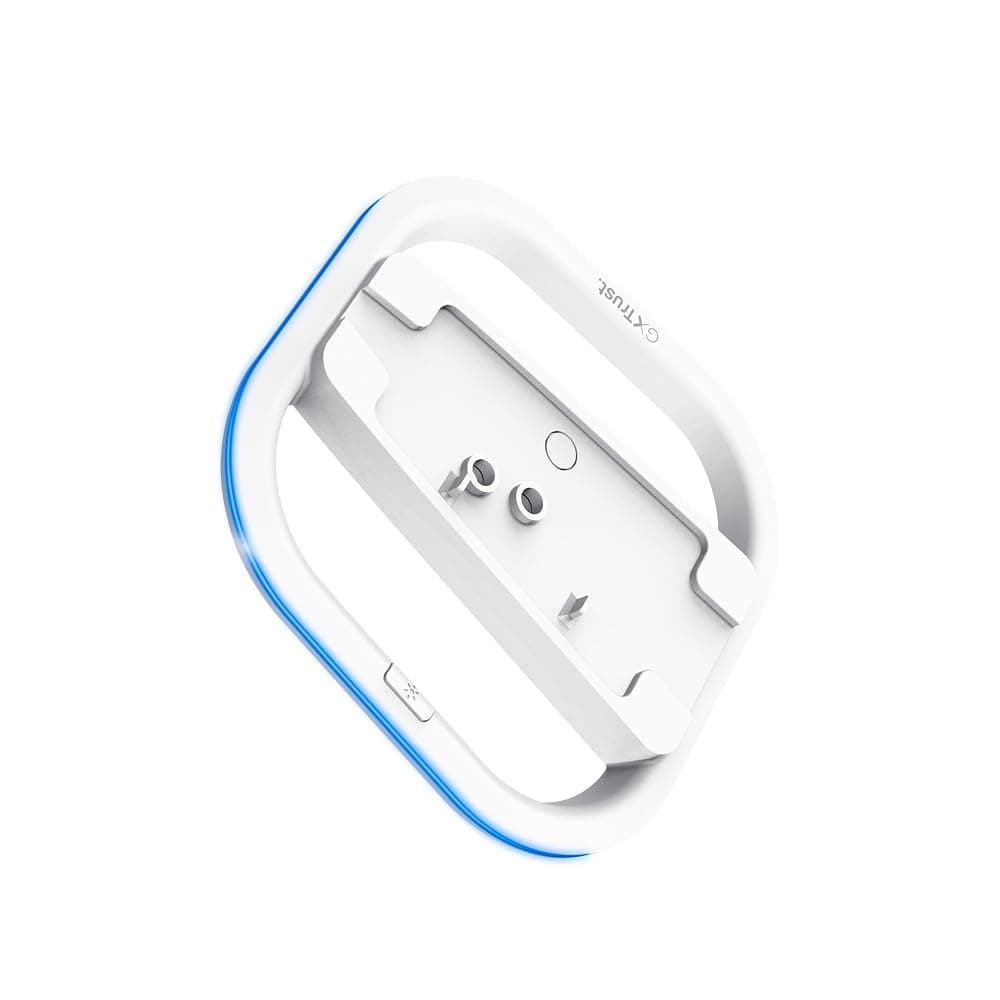
Trust Gaming GXT 229 Vertical Stand for PS5, PS5 Slim and PS5 Pro with LED Lighting (White)
Best for: Anyone short of shelf width under the TV.
The Slim and Pro come with feet for lying flat but no vertical stand, and the original’s stand is easy to lose in a house move. This Trust stand fits all three designs (an adapter for the original is in the box), fixes on with a thumb screw instead of a screwdriver, and has LED edge lighting in six colours or a breathing effect, powered from the included USB cable. It is a plain stand: no controller charging and no extra cooling.
Pros
- Fits PS5 Slim, PS5 Pro and the original PS5
- Thumb screw fixing, no tools needed
- Optional LED lighting in six colours
Cons
- The lighting needs a free USB port or USB charger
- No controller charging built in
Also worth considering
Links open an Amazon.ie search filtered to items sold & dispatched by Amazon.ie. Availability changes.
- Search Amazon.ie
Sony Vertical Stand for PS5 Slim and PS5 Pro
Sony’s own stand for the newer consoles, if you want it to match exactly. It does not fit the original PS5.
Whichever way it stands, keep the console out of an enclosed press and leave a gap between the vents and the wall. Pet hair and carpet dust clog the intakes, so a gentle vacuum around the vents every few months does more good than any stand.
Common mistakes to avoid
- Buying a Gen3 or slow SSD. It may be cheaper, but Sony recommends 5,500 MB/s or faster. Read the sequential read figure, not just “NVMe”.
- Forgetting the heatsink. Sony requires cooling on the drive in the expansion slot. Buy a heatsink version or add one, and do not stack a second heatsink on a drive that already has one.
- Covers and stands for the wrong model. Slim, Pro and original parts are not interchangeable, so match the model number.
- Christmas timing. Order gifts in good time, as December delivery slots fill up, and fit a storage upgrade before the big day rather than on it, so new games can download to it straight away.
Everything in our catalog is sold and dispatched by Amazon.ie, which ships from within the EU, so there are no import charges and you keep full EU consumer rights; here is why we only list Amazon.ie stock. For more, browse the Gaming guides, our Nintendo Switch 2 accessories guide, the Christmas gift guide or the Computers & Tech category.